
How do I add the Podz widget to my home screen?
On Android, press and hold an empty spot on the home screen, tap Widgets, and drag the Podz widget onto the screen. It shows the day, your events and your to-dos.
Steps
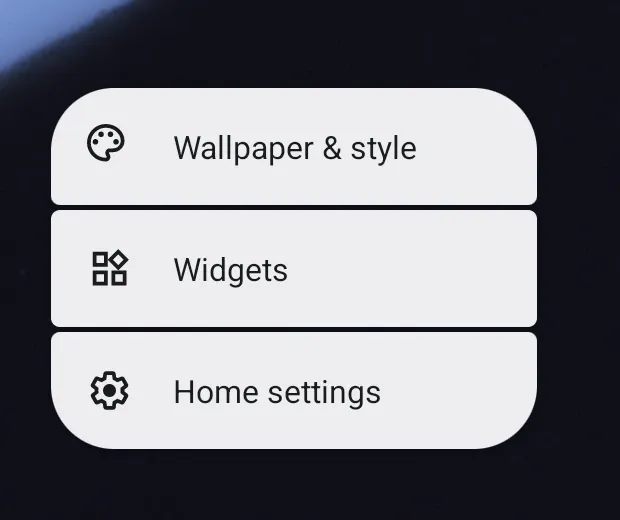
- On your phone's home screen, press and hold an empty spot. The menu is Wallpaper & style, Widgets and Home settings. Tap Widgets.
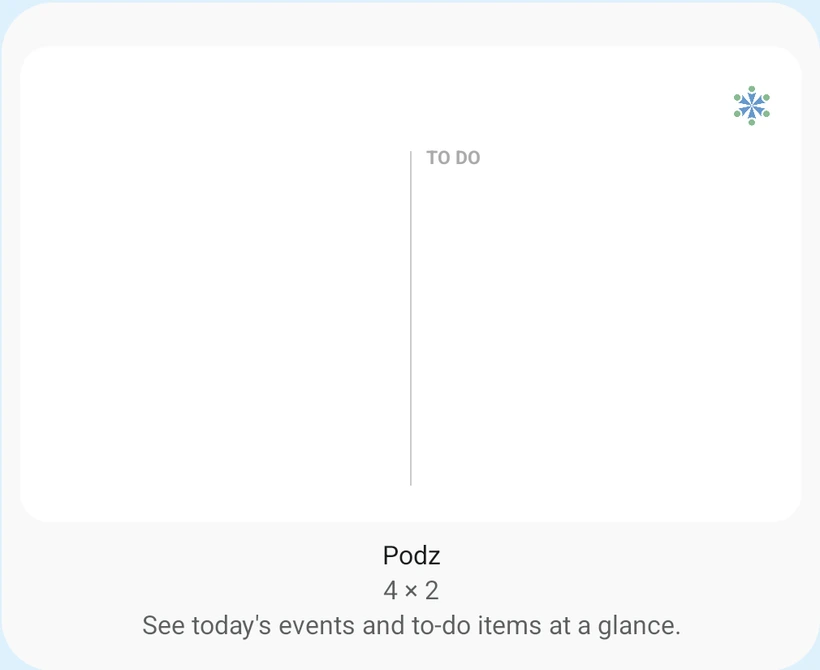
- Find Podz. Its widget is 4 × 2 and reads See today's events and to-do items at a glance.
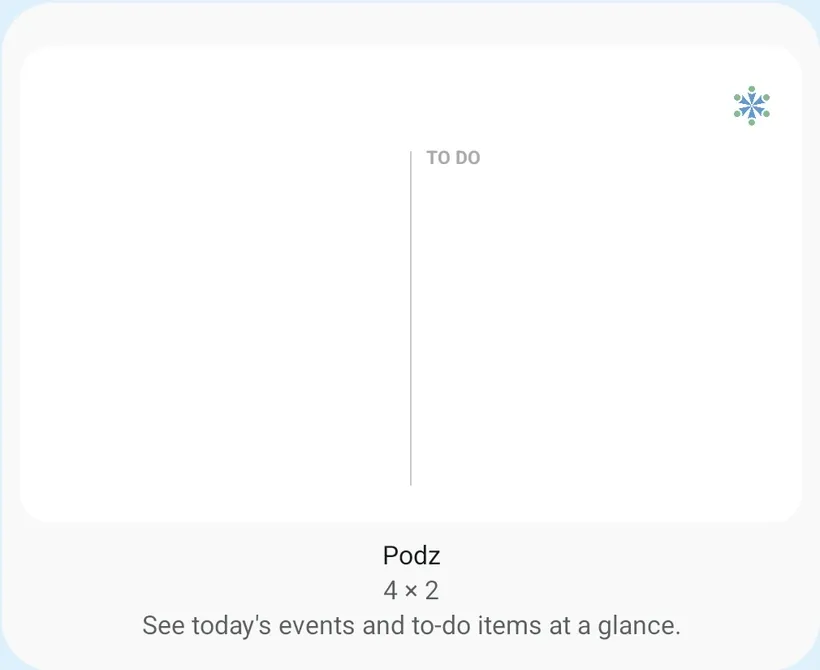
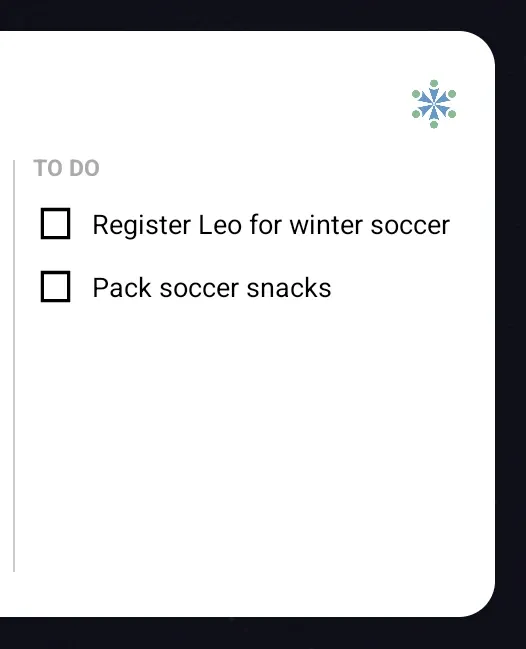
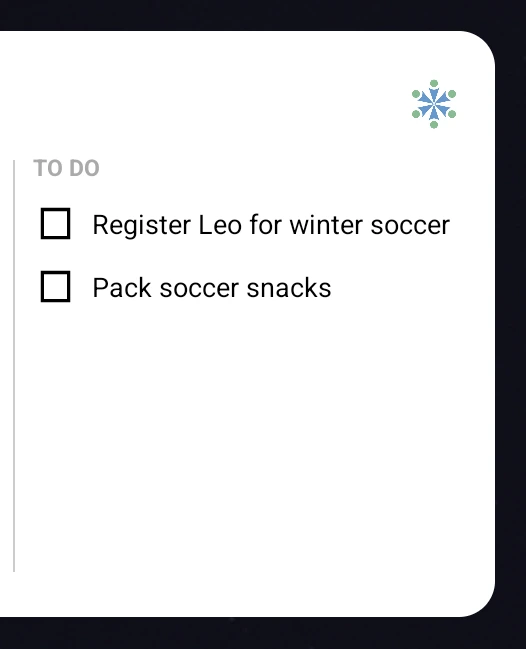
- Drag the widget onto your home screen. It shows the day and date, your events and your TO DO items (All done! when nothing is left).
Steps checked on Android; iPhone screens may look slightly different. Checked in Podz 2.20.59 on Nov 24, 2026.
Good to know
The widget lists events from every pod you belong to, not only the pod you last opened.
Widgets, Wallpaper & style and Home settings are Android’s own. They can look different from phone to phone.
Still stuck? Get help from Podz, or search all the guides.
