
Why Podz?
A school calendar tells you when the game starts. A chat holds the discussion about dinner. A list has the things you still need to buy. Podz keeps these parts of a family or group’s plans in one private space.
Start with one pod for the people making the plan. Its members share a calendar, lists, chat and photos. You can have another pod for a team, friends or a trip, without putting every plan in front of every group.


It started with friends and family
Charlie Vinal first built Podz for his own friends and family, and his Saturday morning bike group was the first group to try it. When friends and family kept telling him how much they loved it, he made it available to everybody. Read Charlie's story
"When the kids were younger, they played on multiple sports teams, had school plays, musicals, band practice - you name it, we did it. We once clocked 23 events in one weekend! I wish we had Podz back then, but it's here now and we love it!" - Charlie, Podz Founder
Plan the week together
See each person’s own events in their chosen color. Add a school or sports calendar link, then keep the events your pod creates alongside it. Shared lists and assigned to-dos make the next job clear.
Add a school or sports calendar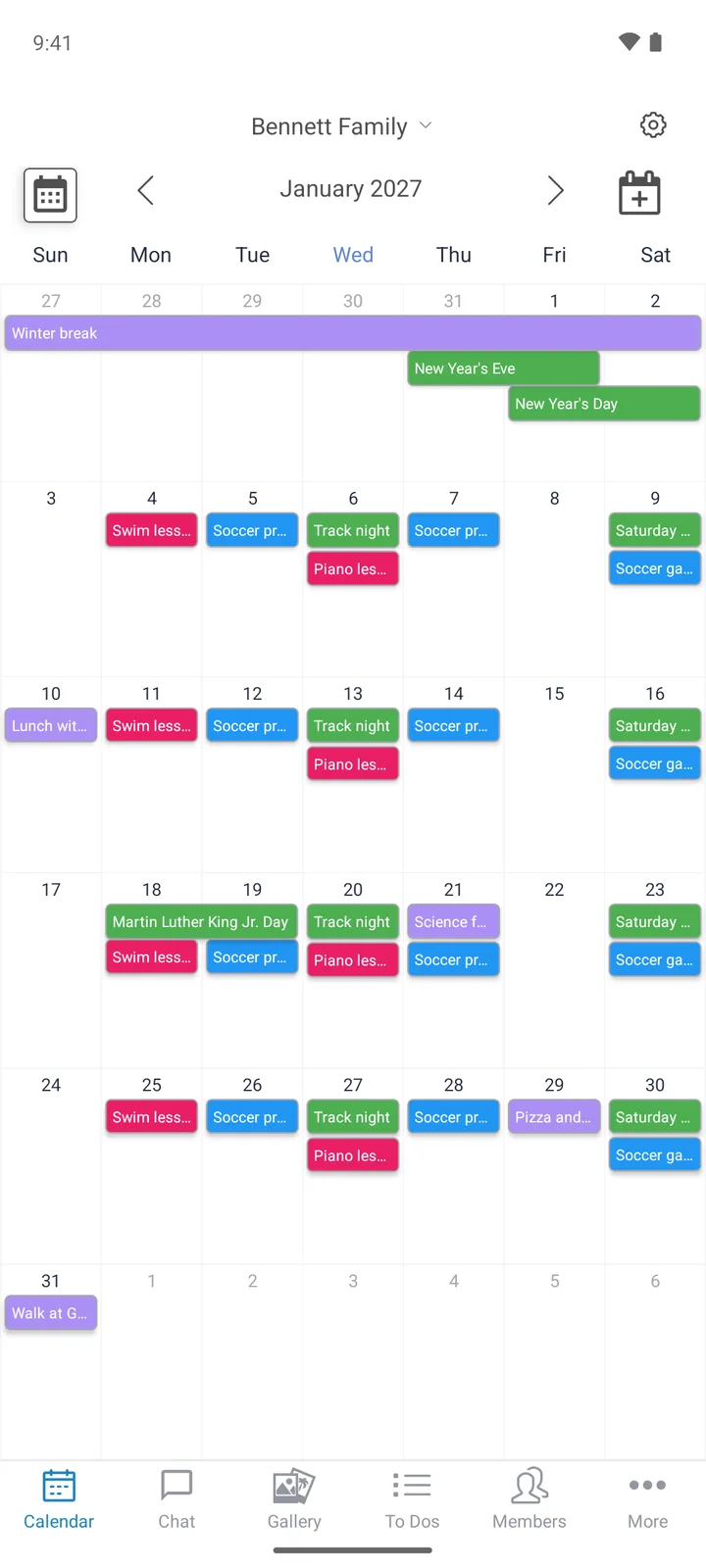
Keep the discussion with the group
Use chat topics for different subjects, share a photo, or make a poll when you need a choice. A pod can include people using iPhone and Android, and each group has its own space.
Chat and share photos with your pod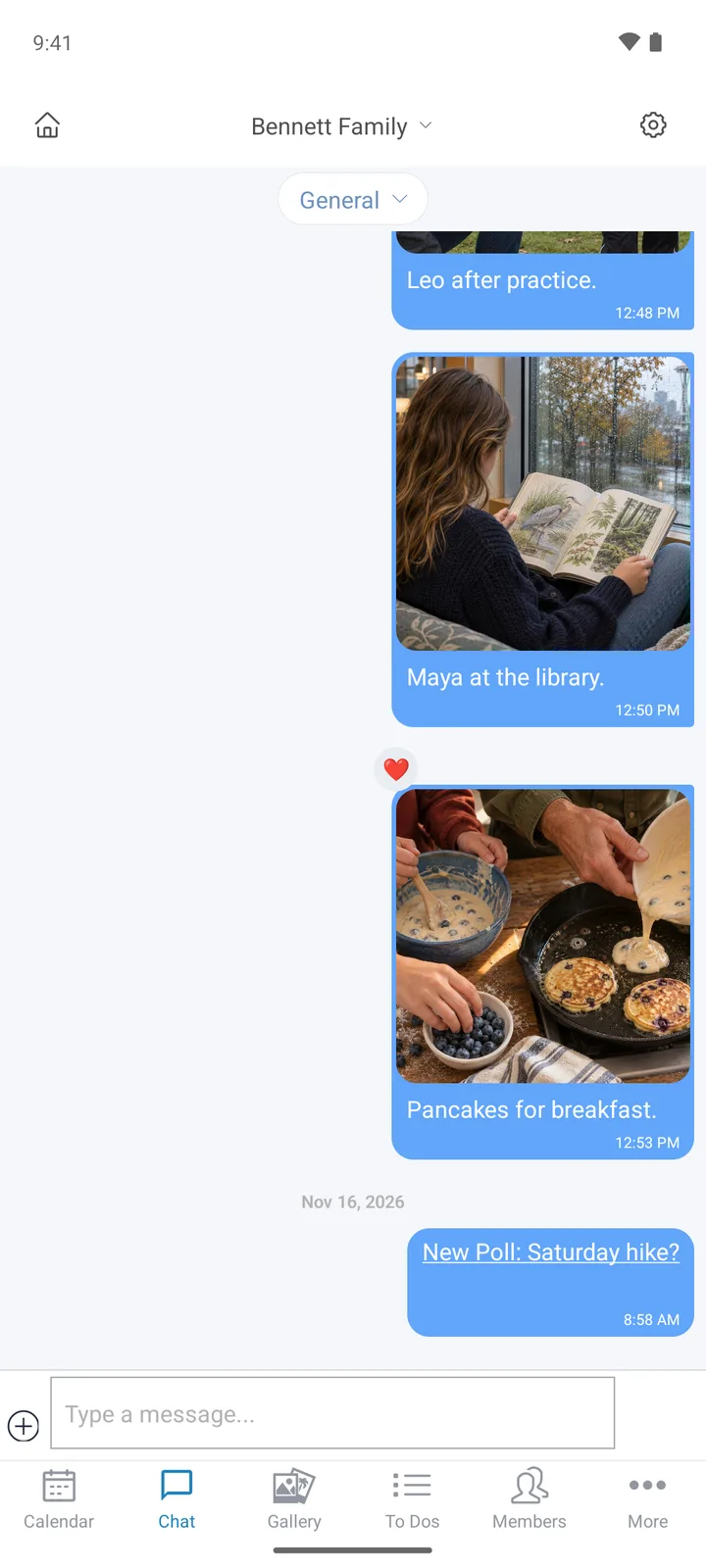
Take the plan on the road
Describe a trip to Ask Podz, review its day-by-day itinerary and change the plan together. Keep the activities, packing list and costs with the trip, and the photos afterwards.
See trip planning in Podz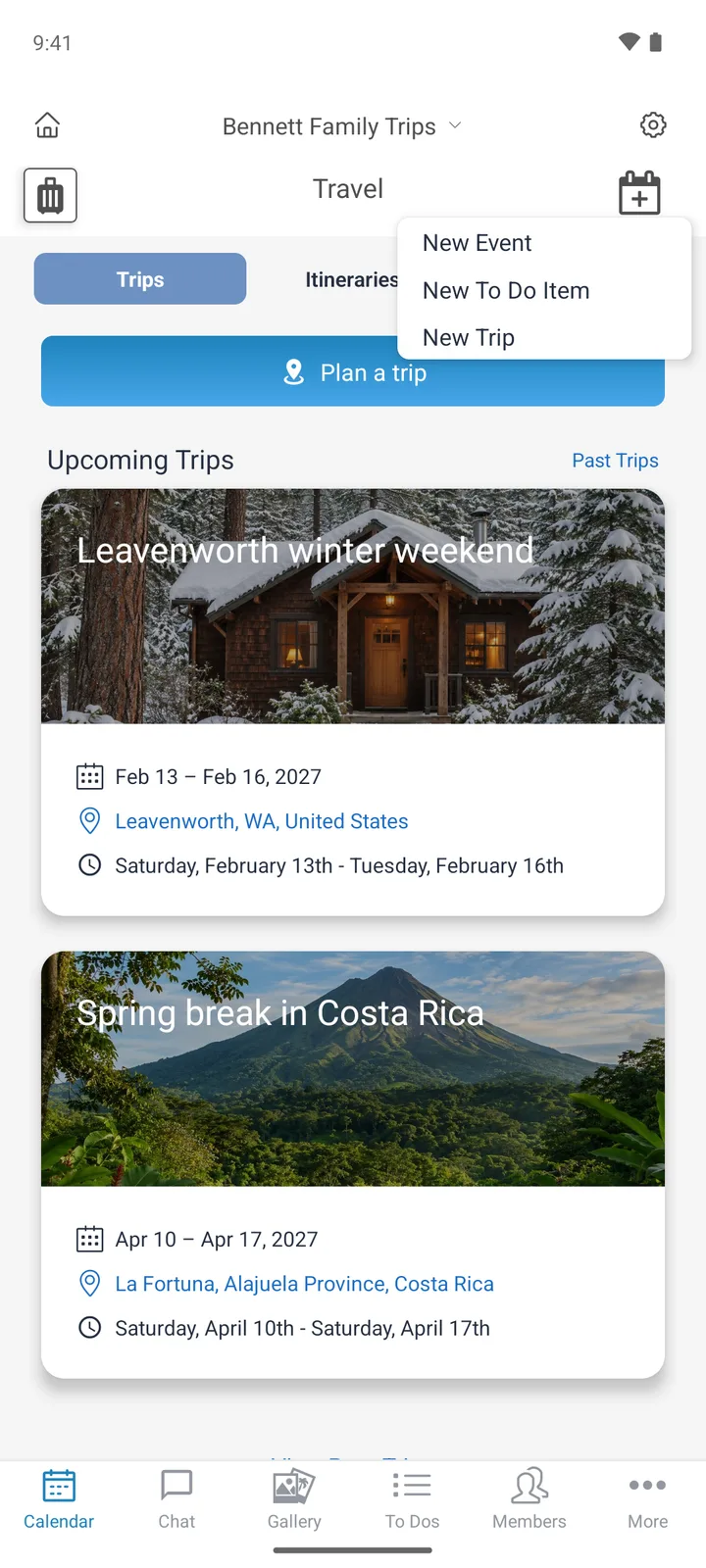
Choose the organizer that fits your family
If you only want a shared calendar, a calendar-focused app may be enough. If your family wants its lists, chat, photos and trips beside the calendar, try a pod. Our comparison sets out prices and differences with links to the sources. Compare family organizer apps
Start with one useful plan
Create a pod, add something your people need this week, then invite them to it. Create your first pod
