
Where are notes in Podz?
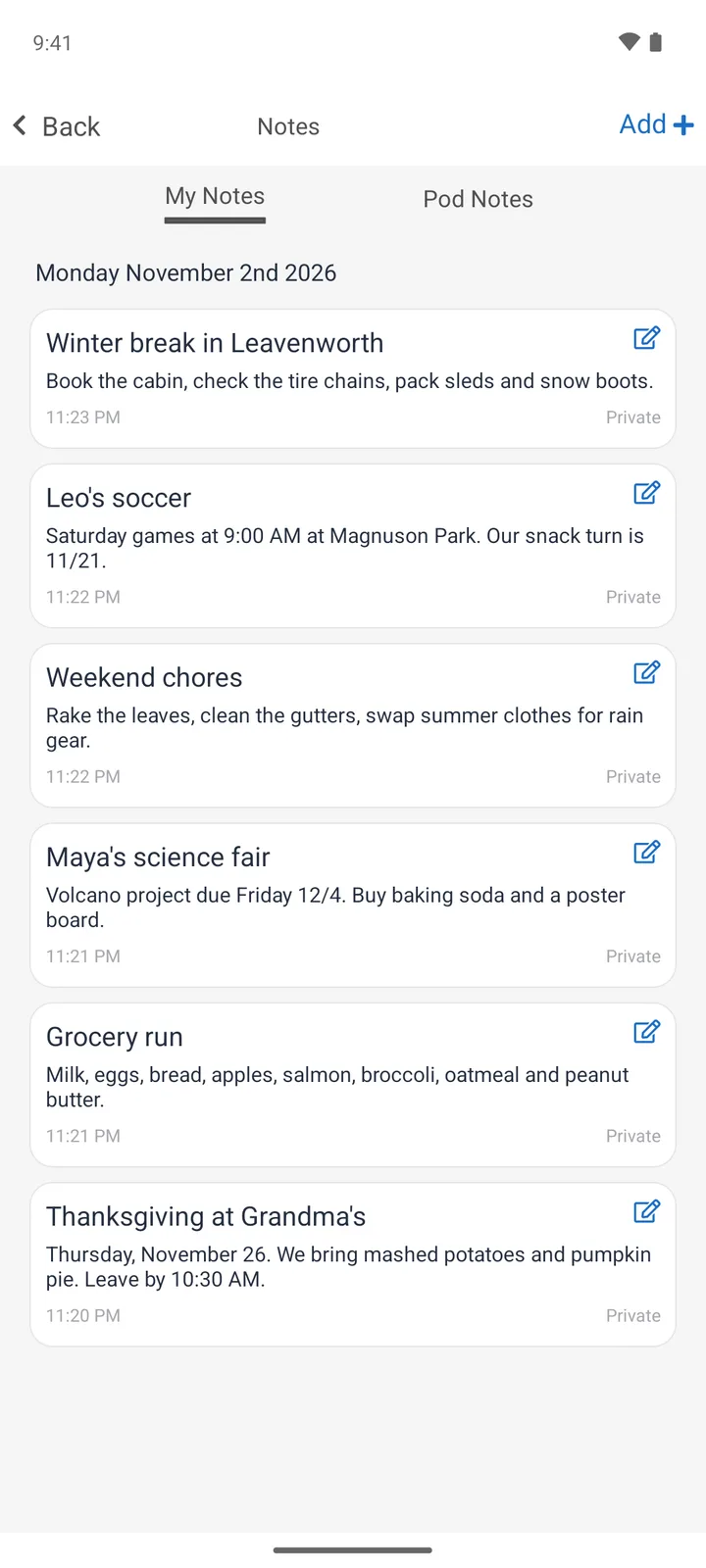
From More, open Notes to find your personal notes and notes shared with your pod.
Steps
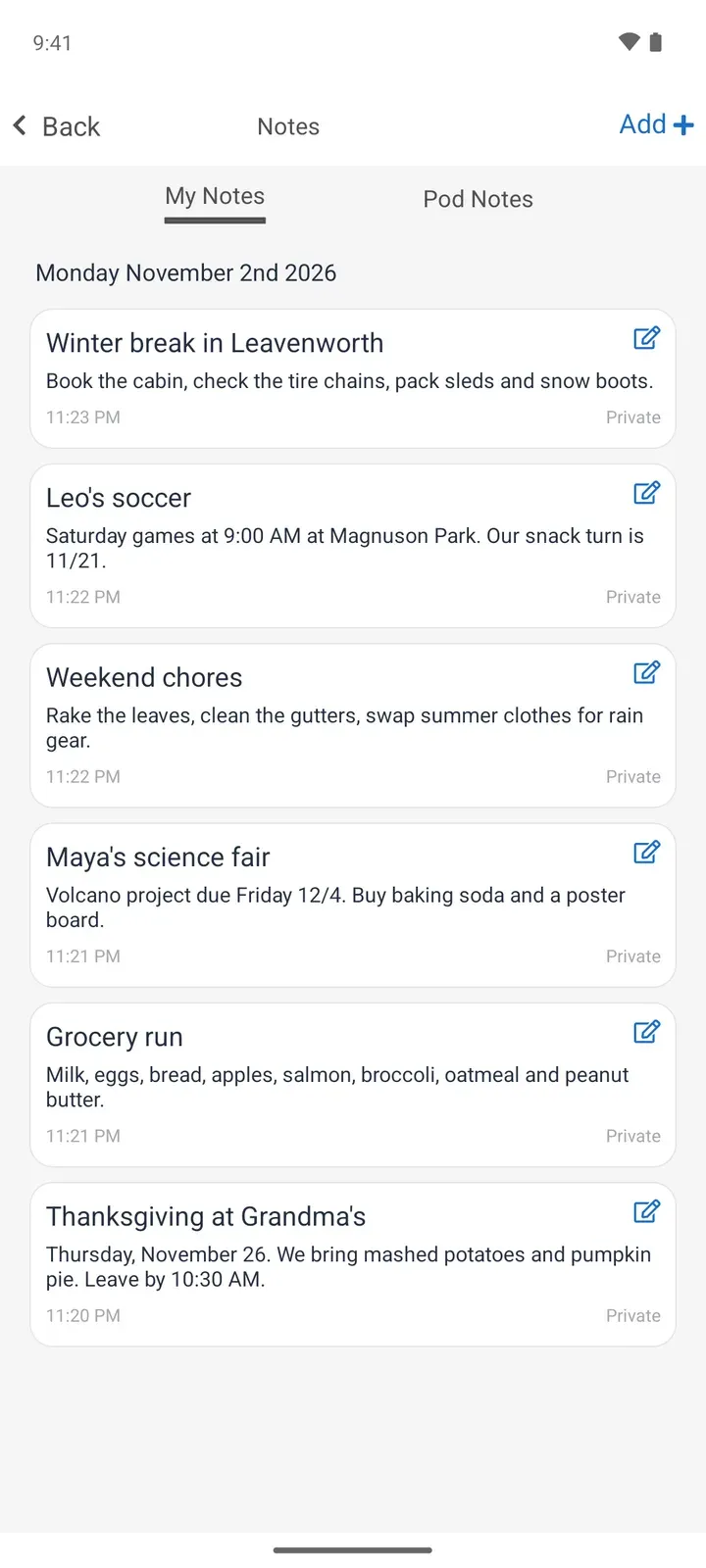
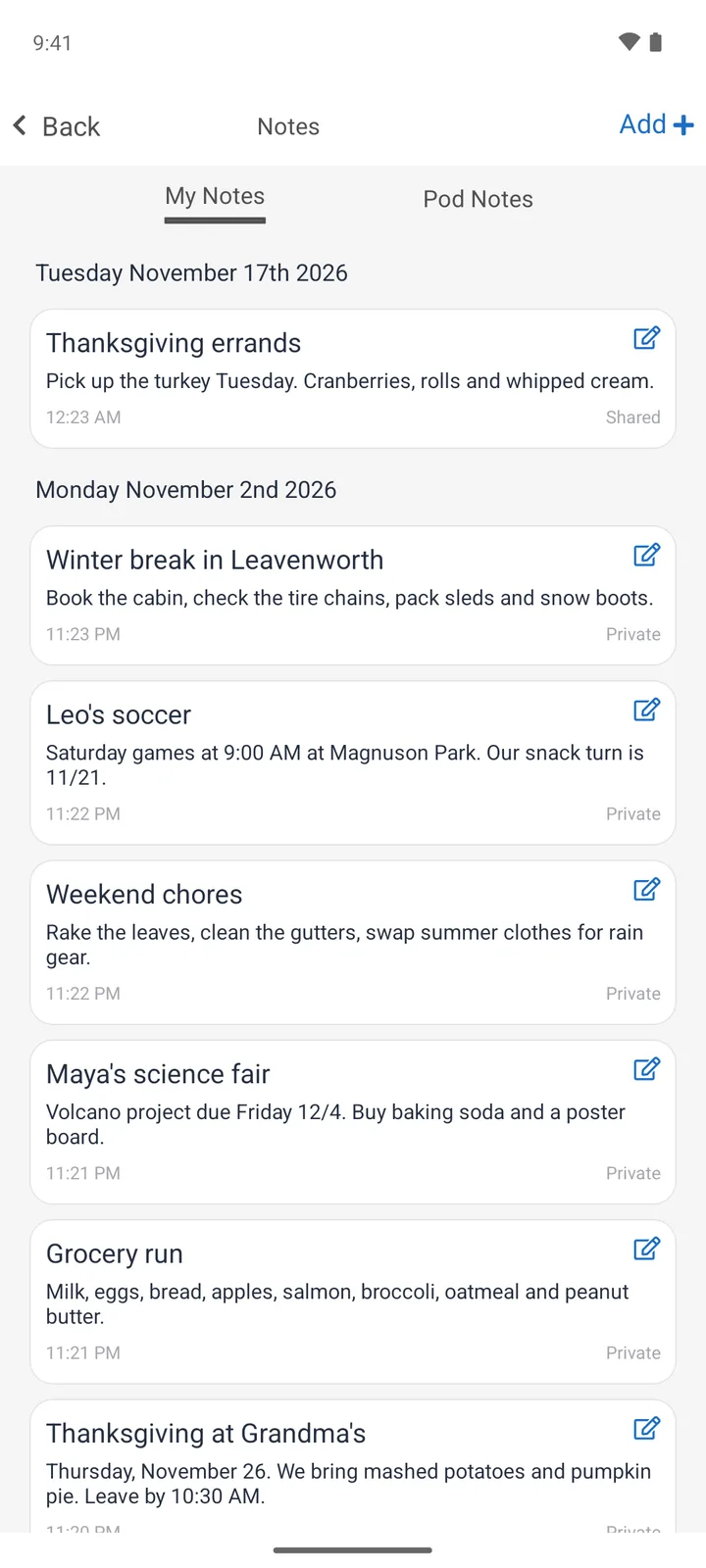
- From More, open Notes. My Notes lists the notes you wrote.
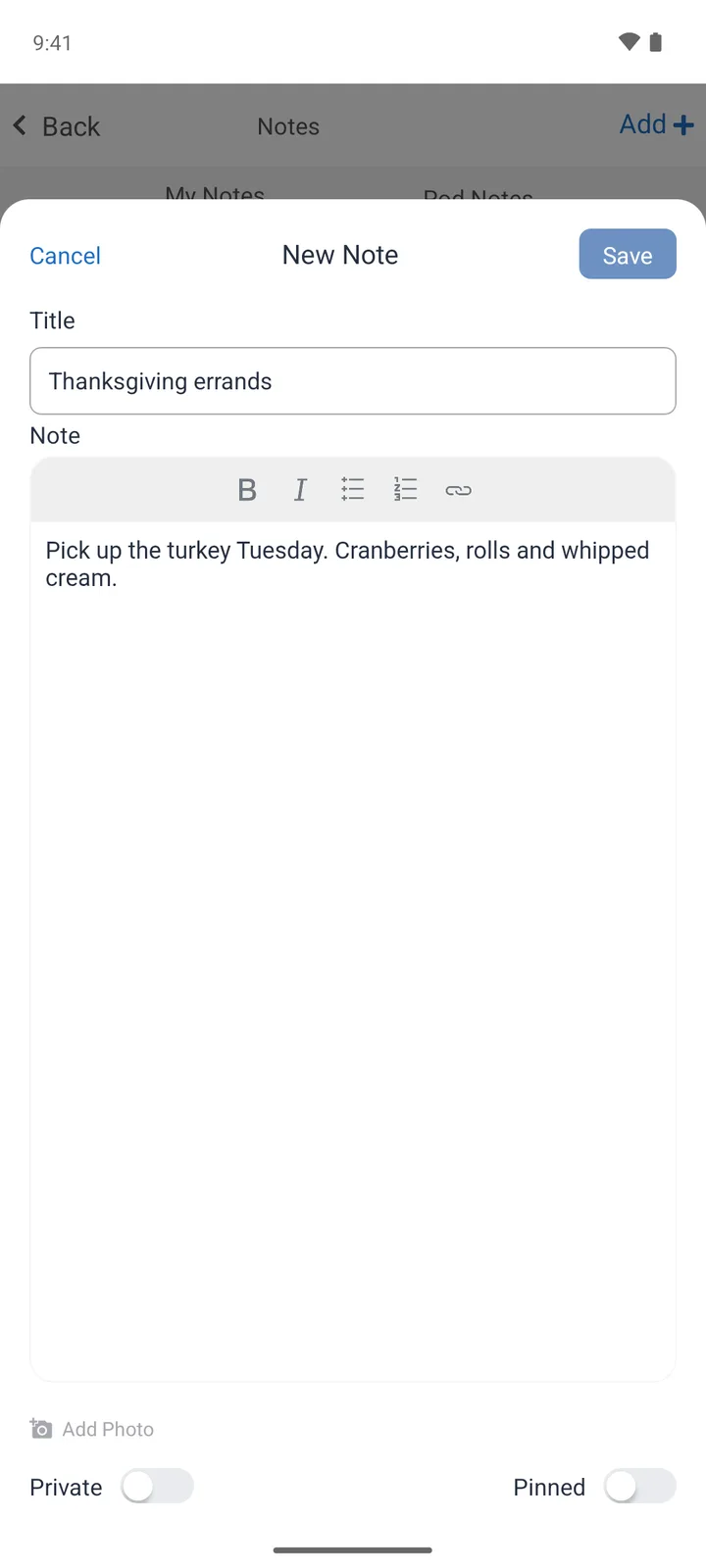
- Tap Add, type a Title and write your note under Note.
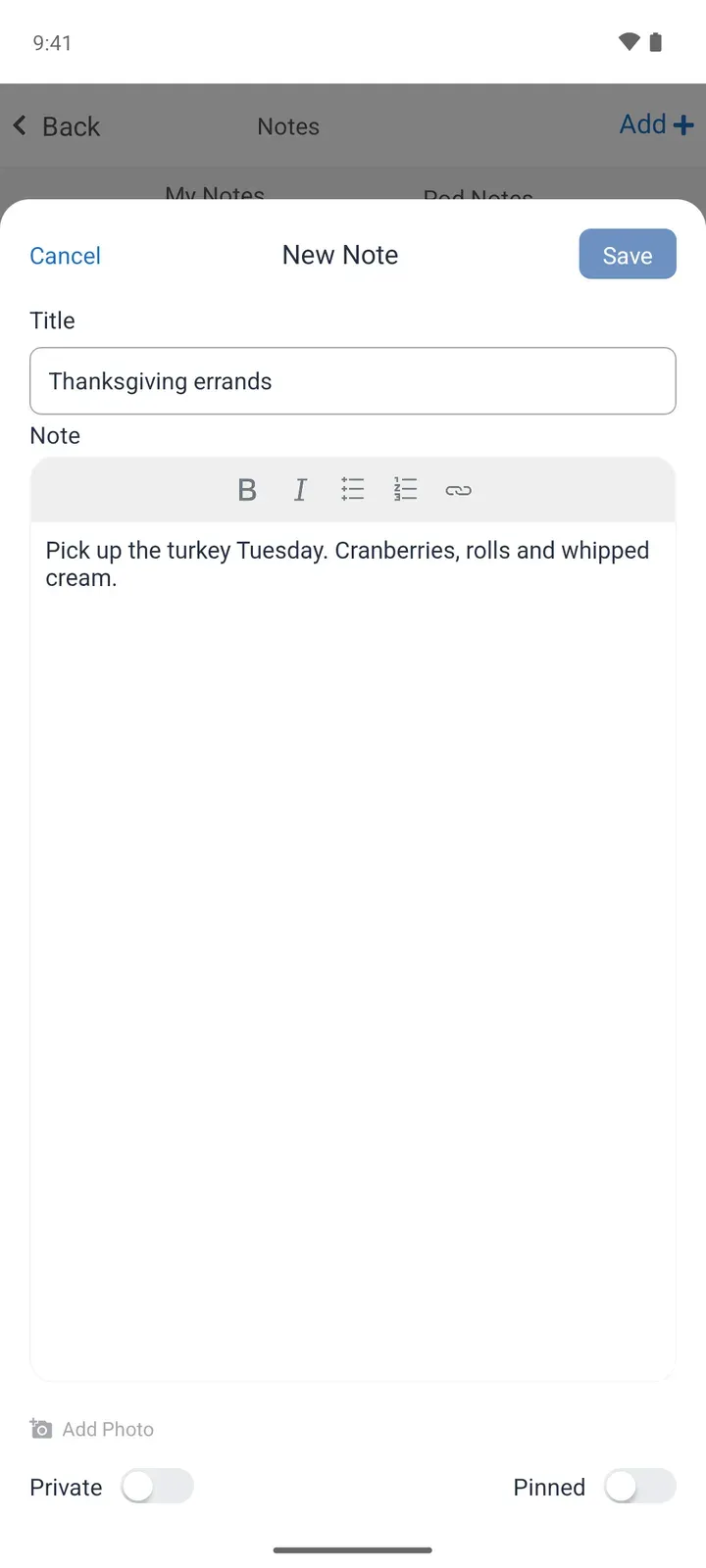
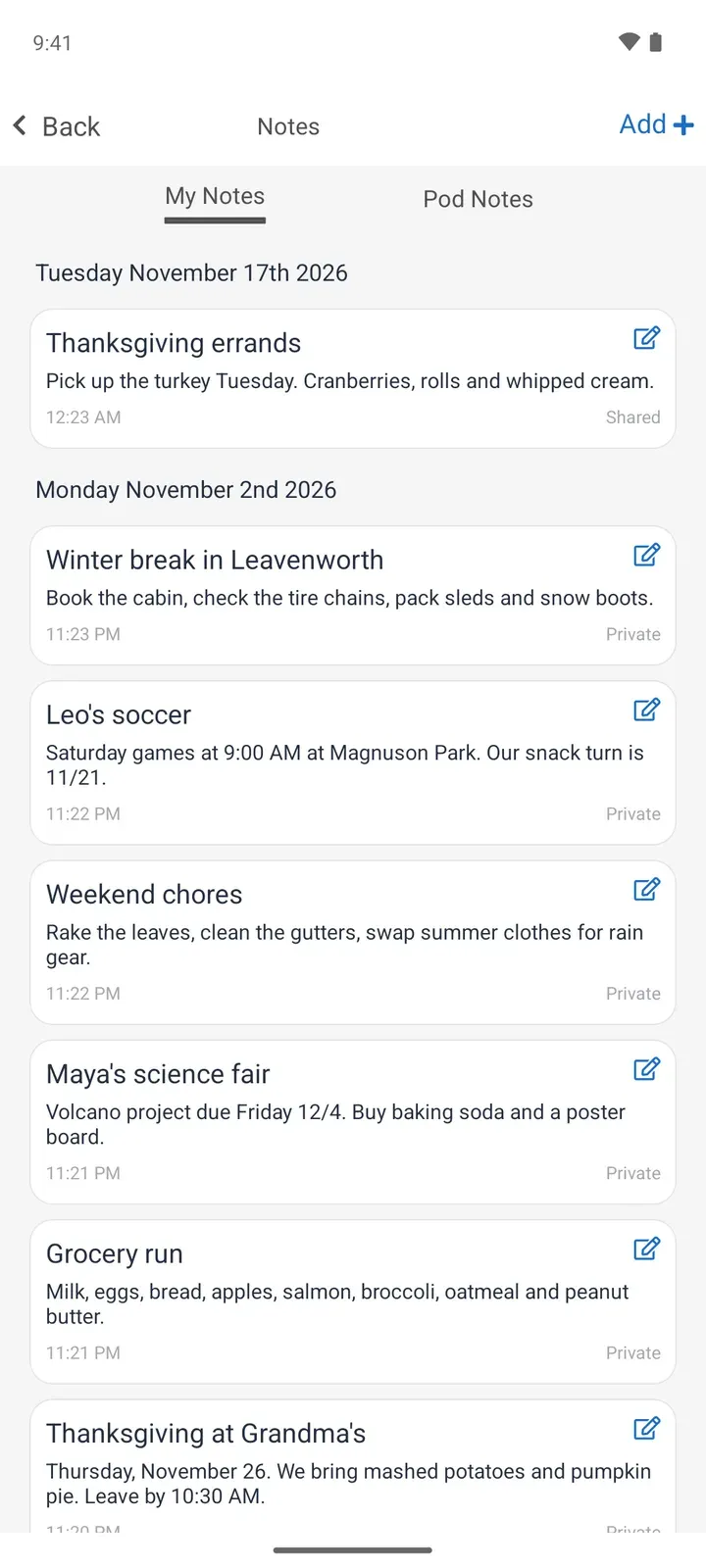
- Leave Private off to share the note with your pod, then tap Save.
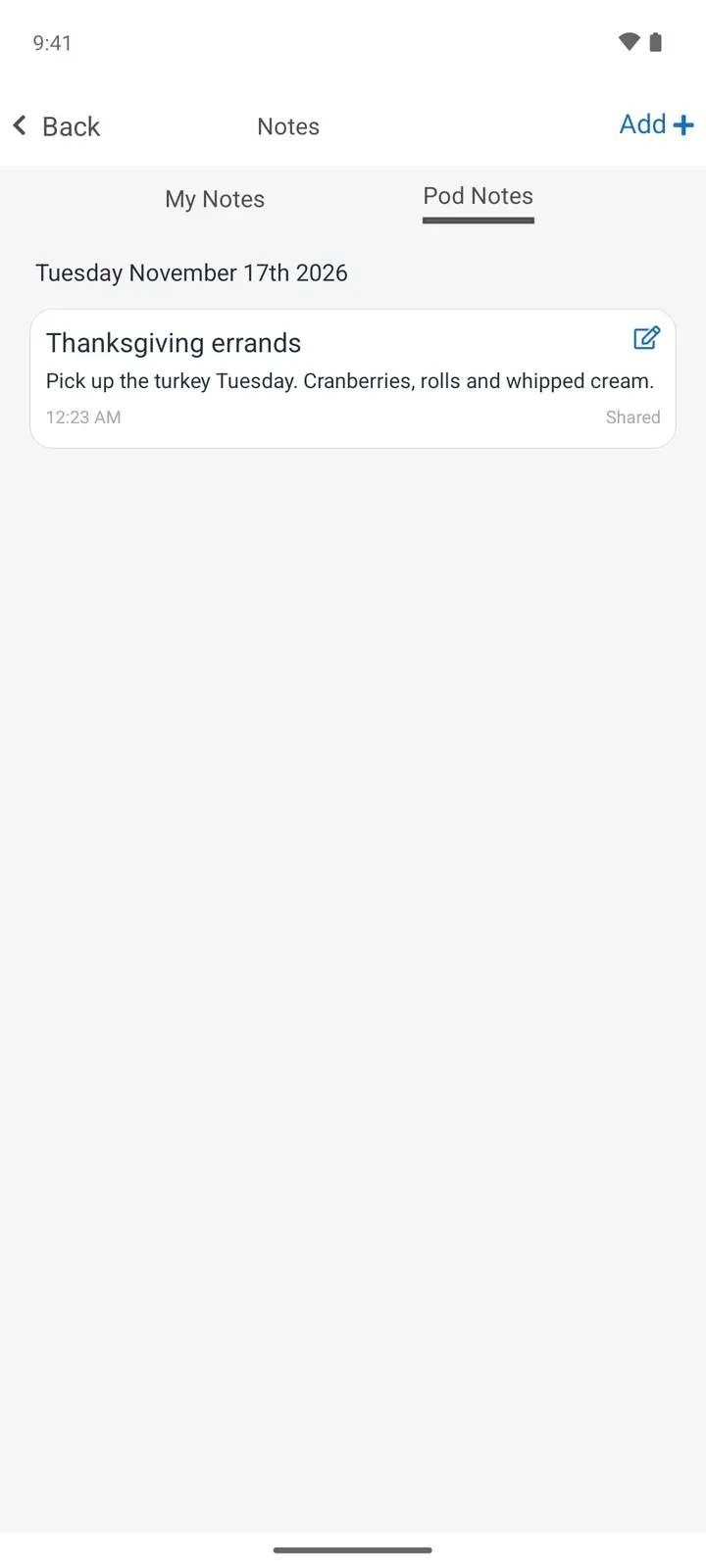
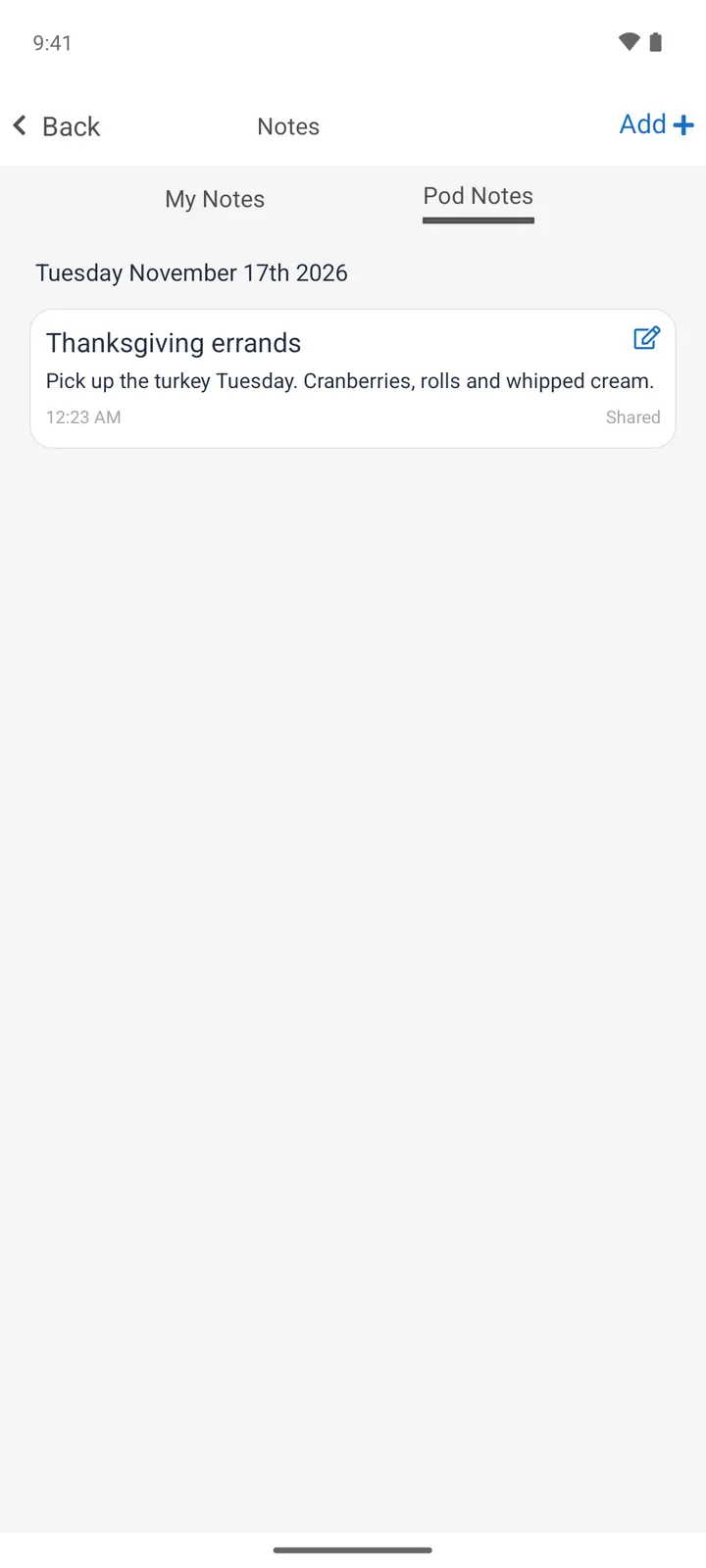
- Tap Pod Notes to see the notes shared with your pod.
Steps checked on Android; iPhone screens may look slightly different. Checked in Podz 2.20.56 on Nov 16, 2026.
Good to know
Turn on Private to keep a note to yourself. Private notes stay out of Pod Notes.
Still stuck? Get help from Podz, or search all the guides.
