
Where can I change my language in Podz App Settings?
Use App Settings to choose your app language and appearance, or find the phone's notification controls. Open it from the app menu (the gear icon at the top right of a pod screen).
Steps
- In a pod, open the app menu (the gear icon at the top right of a pod screen).
- Tap App Settings.
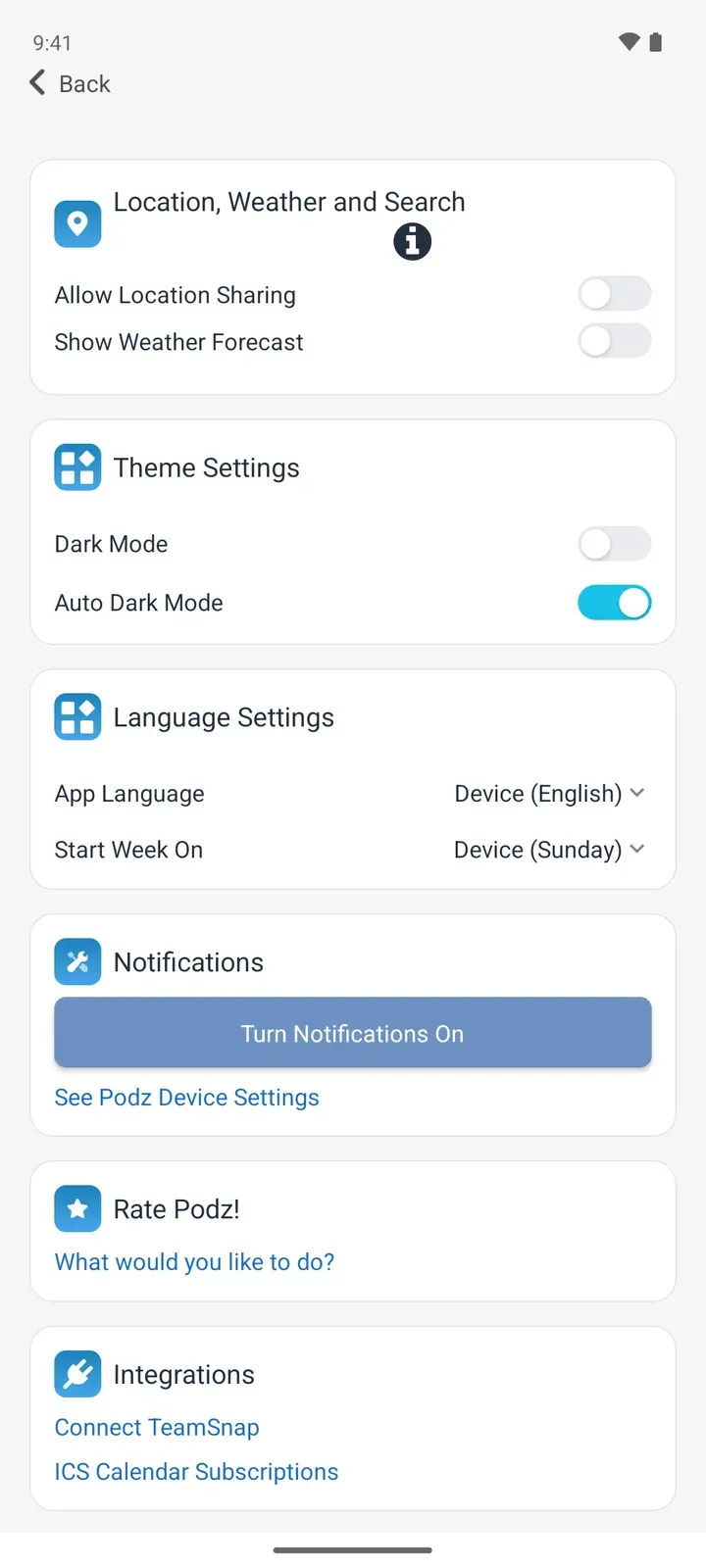
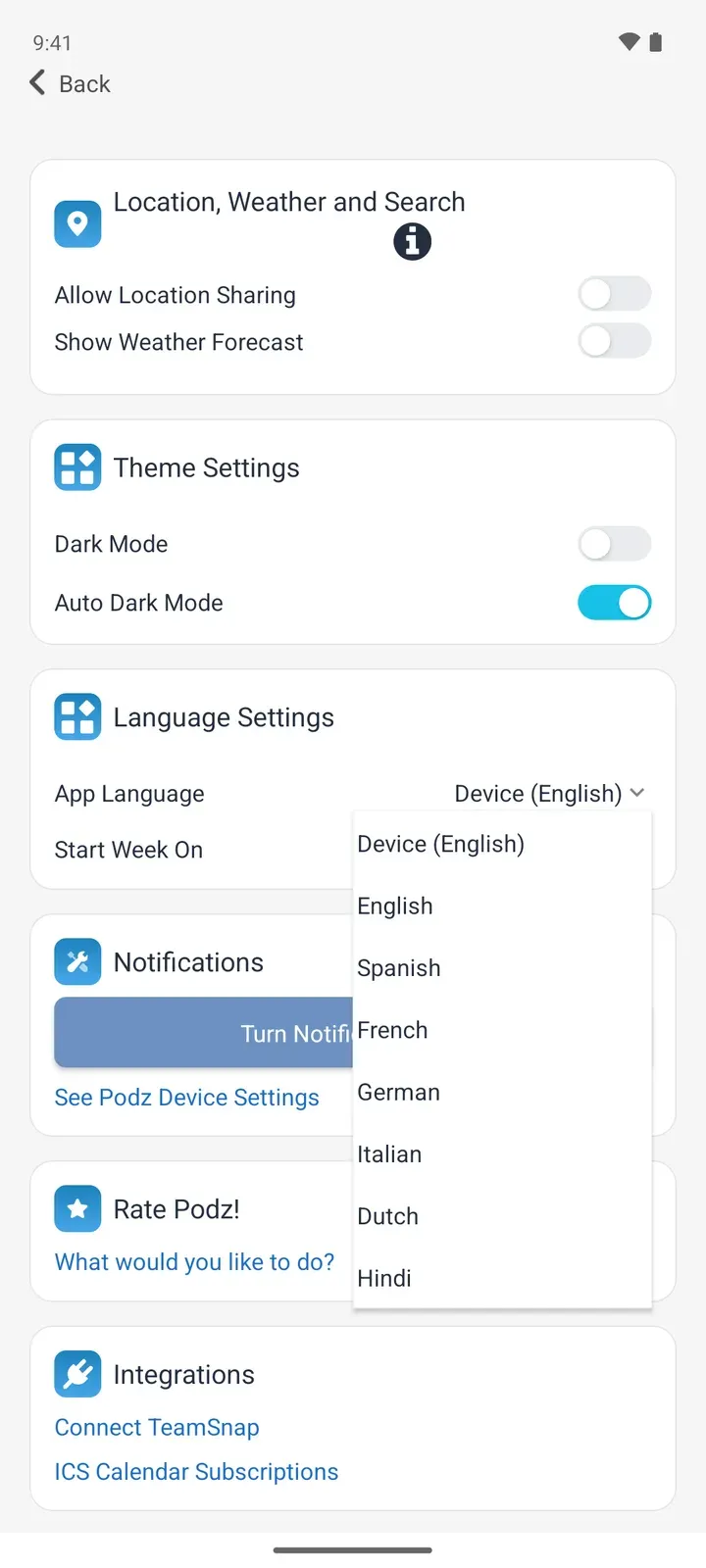
- Under Language Settings, tap the value beside App Language. Choose a language or select Device to follow your phone.
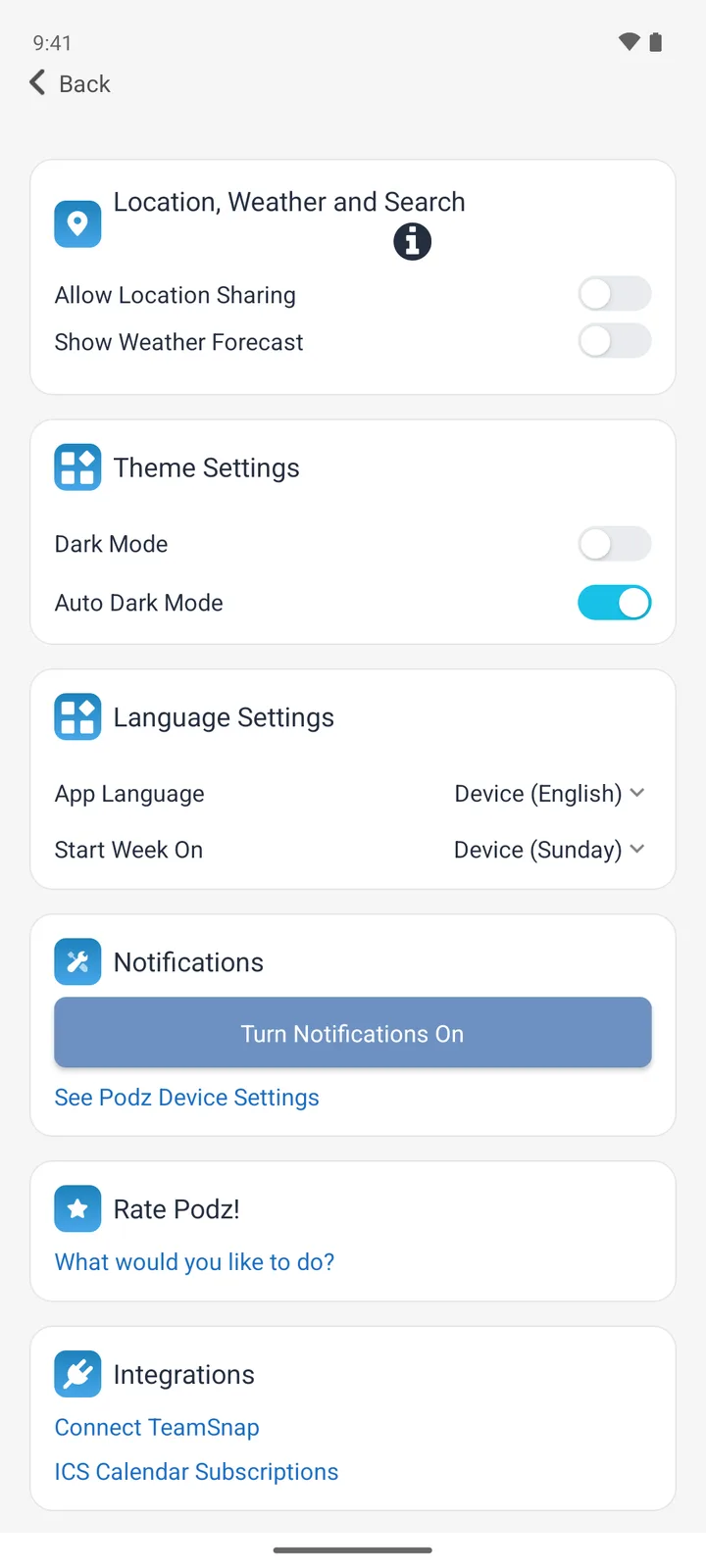
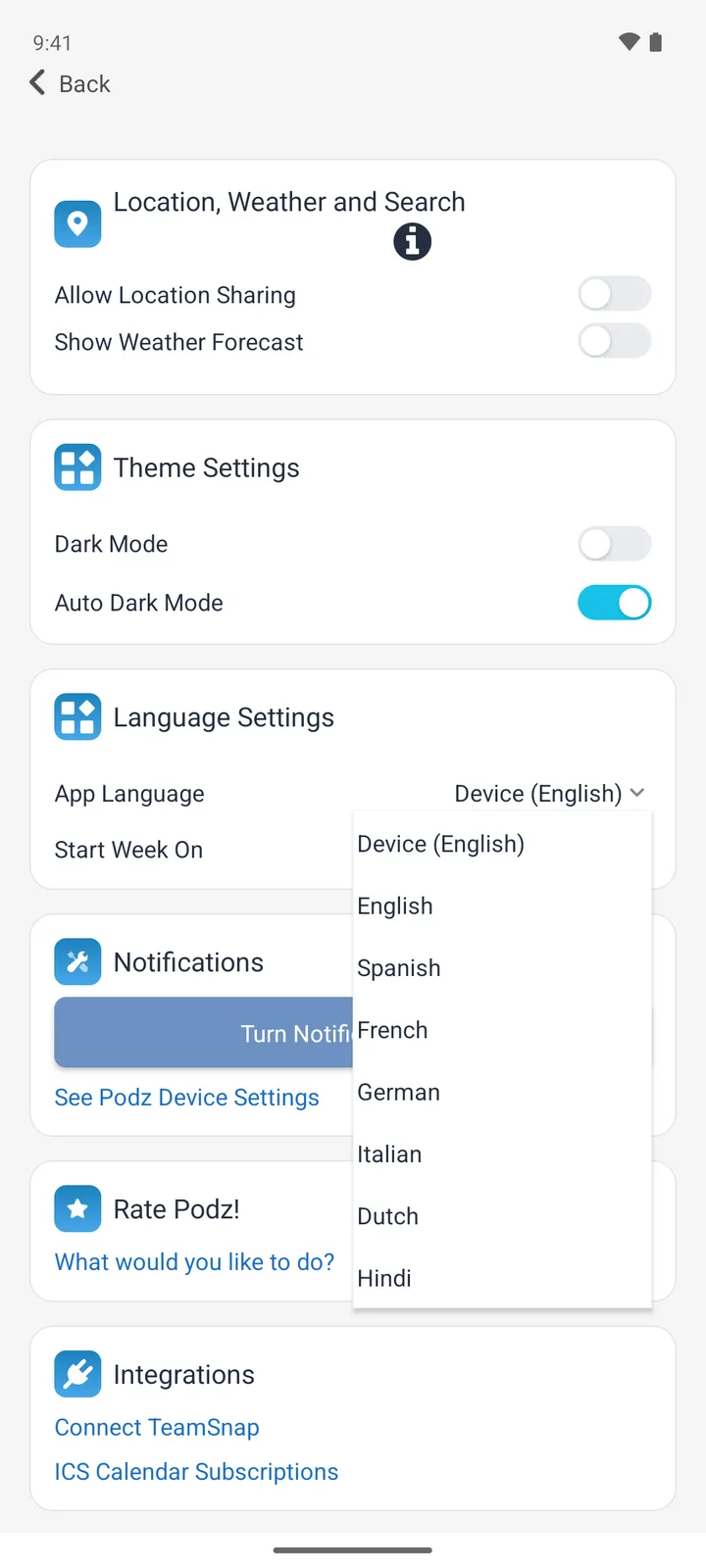
Steps checked on Android; iPhone screens may look slightly different. Checked in Podz 2.20.59 on Nov 24, 2026.
Good to know
Android offers English, Spanish, French, German, Italian, Dutch and Hindi. On iPhone and iPad, the App Store lists English, French, German and Spanish.
Use Start Week On to choose which day begins your calendar week. Device follows your phone’s setting.
Under Notifications, See Podz Device Settings opens Android’s app settings. Open Notifications there to check the phone’s permission.
Still stuck? Get help from Podz, or search all the guides.
