
How do I invite someone to my pod?
Open Members, tap Invite Family, then Share Invite, and send the ready message with its link and code to the person you want in your pod.
Steps
- Open your pod and tap Members.
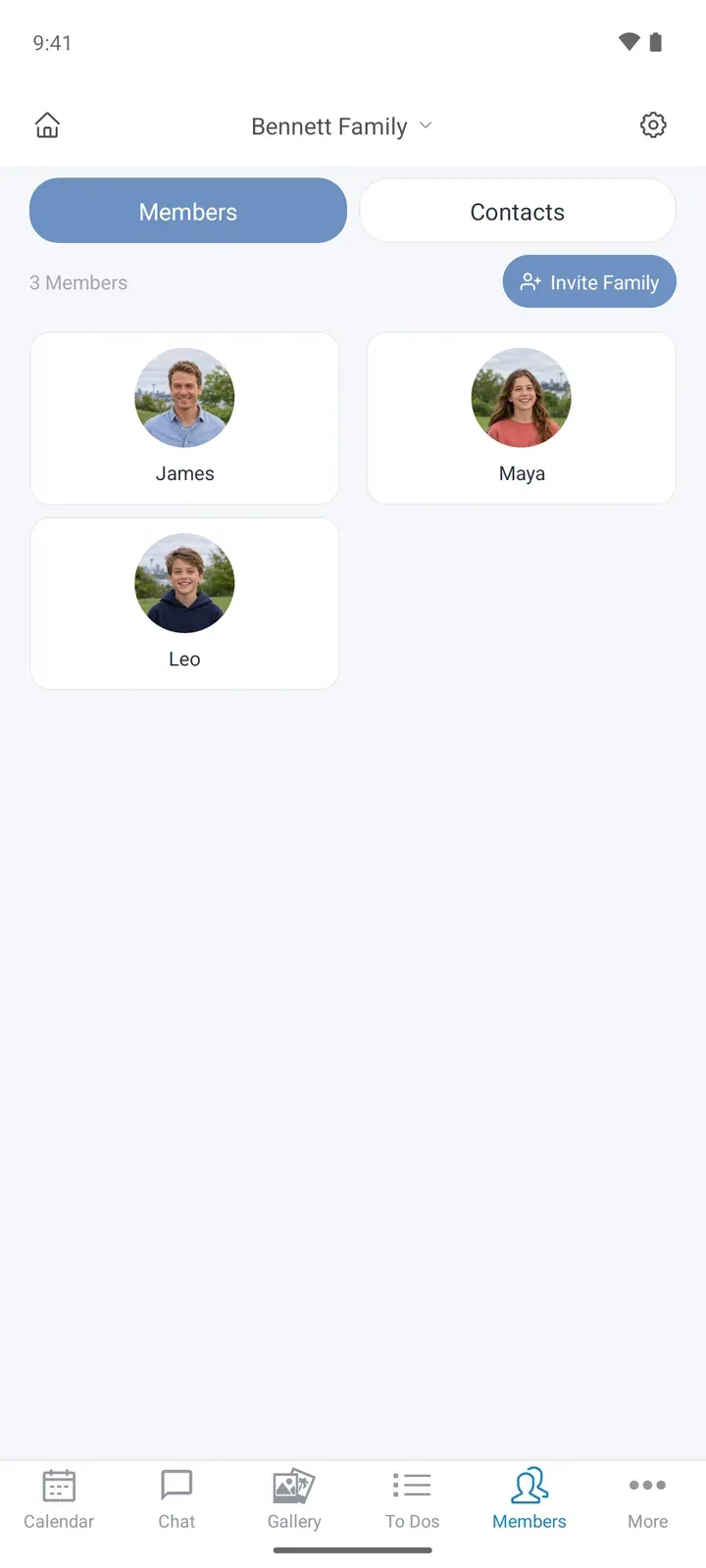
- Tap Invite Family.
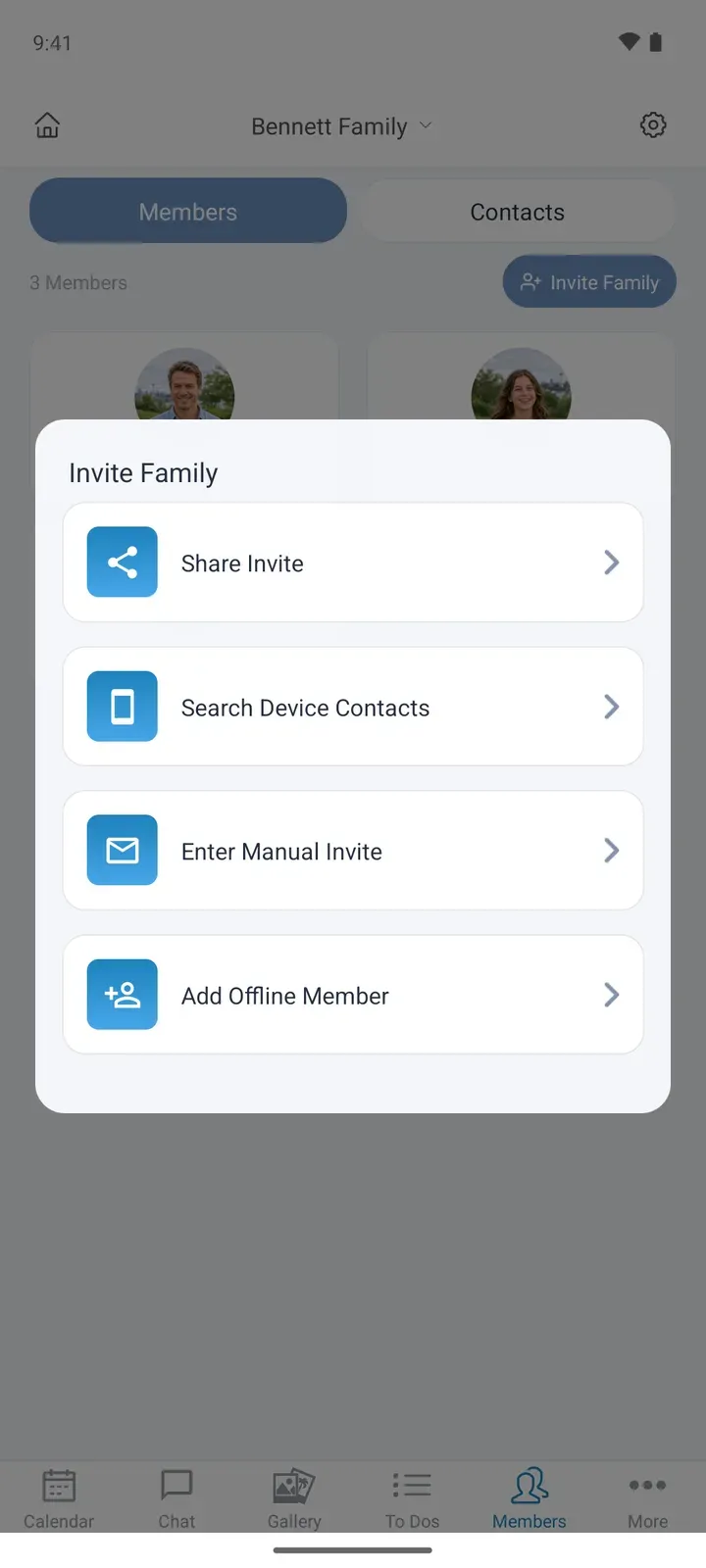
- Tap Share Invite. Your phone's share options open with a ready message that names your pod and holds the Invite Code and a join link.
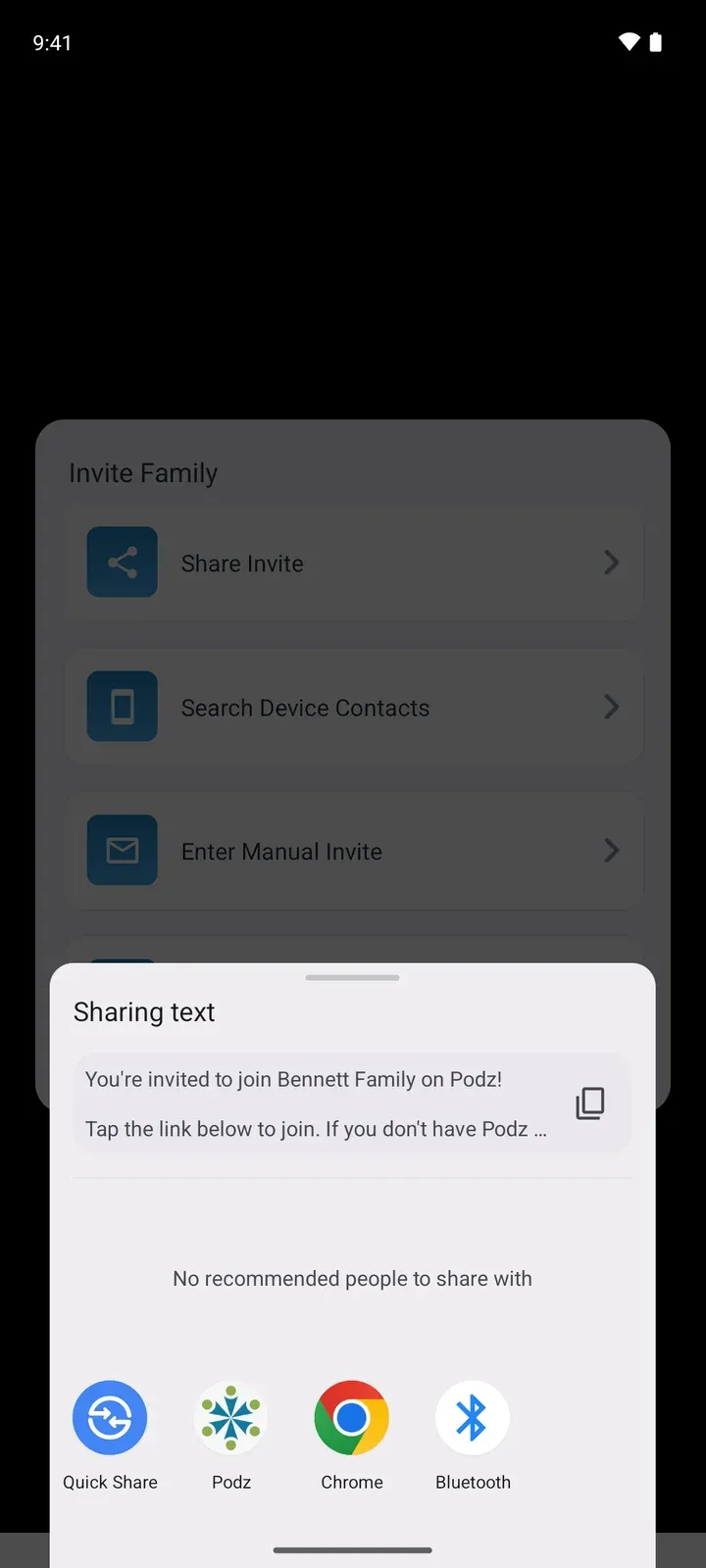
- Choose an app, such as Messages or email, pick the person and send the message. The apps listed depend on your phone.
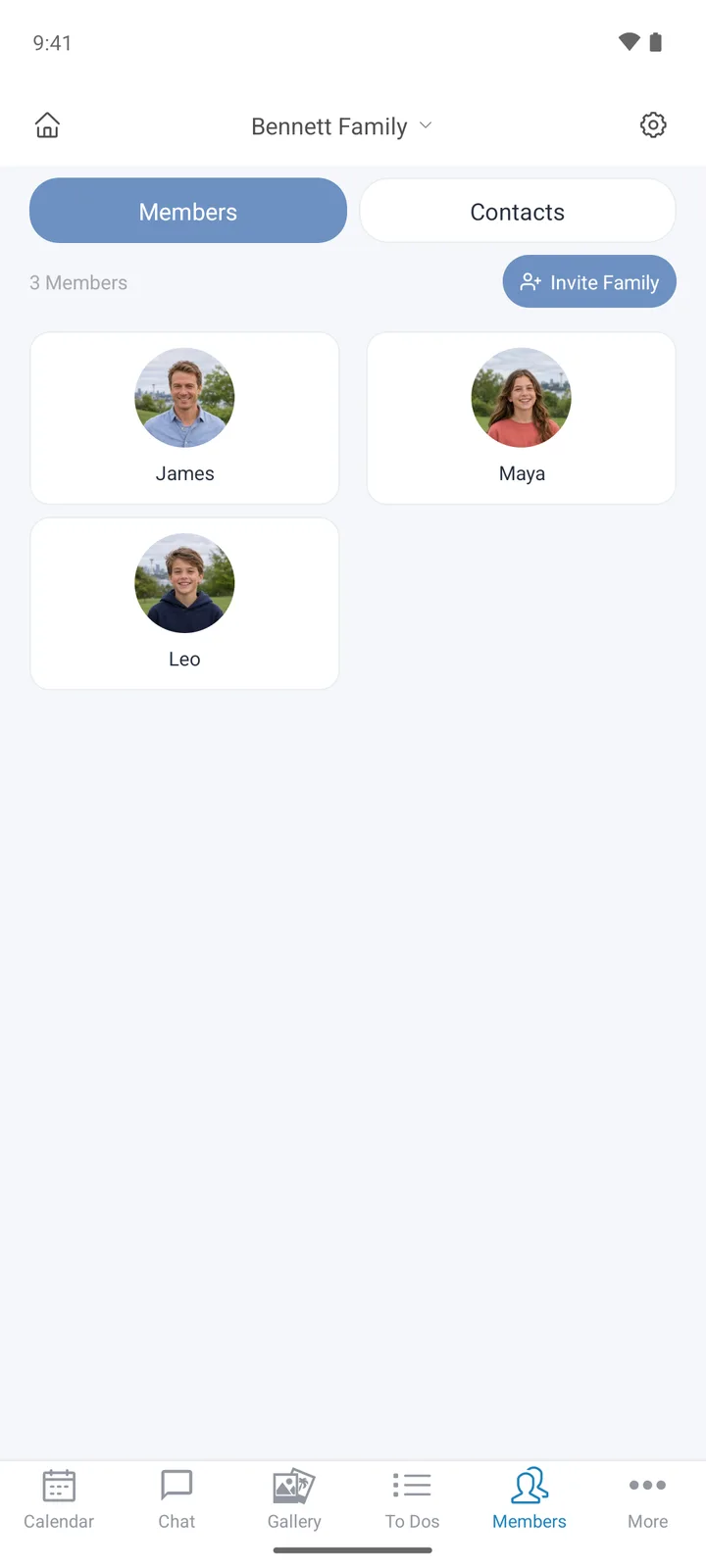
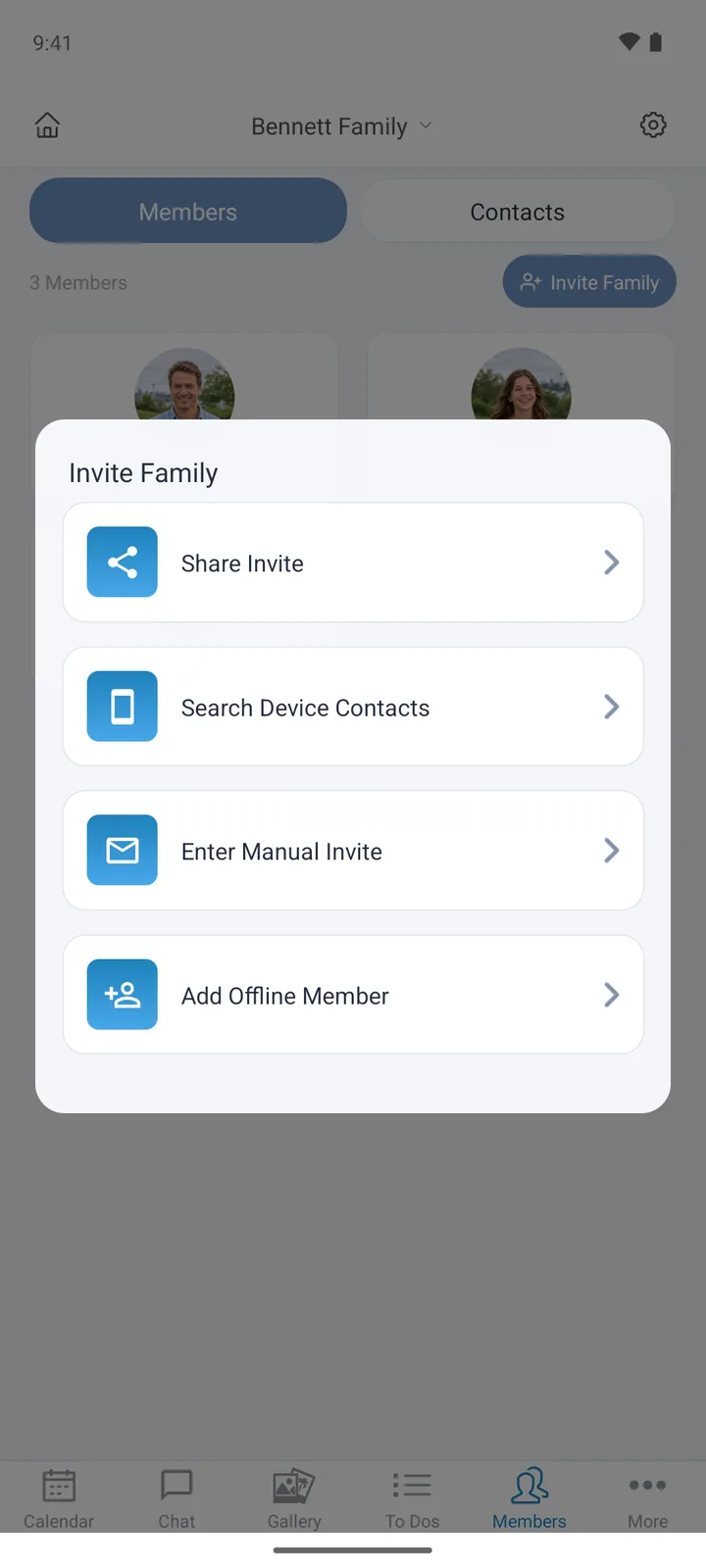
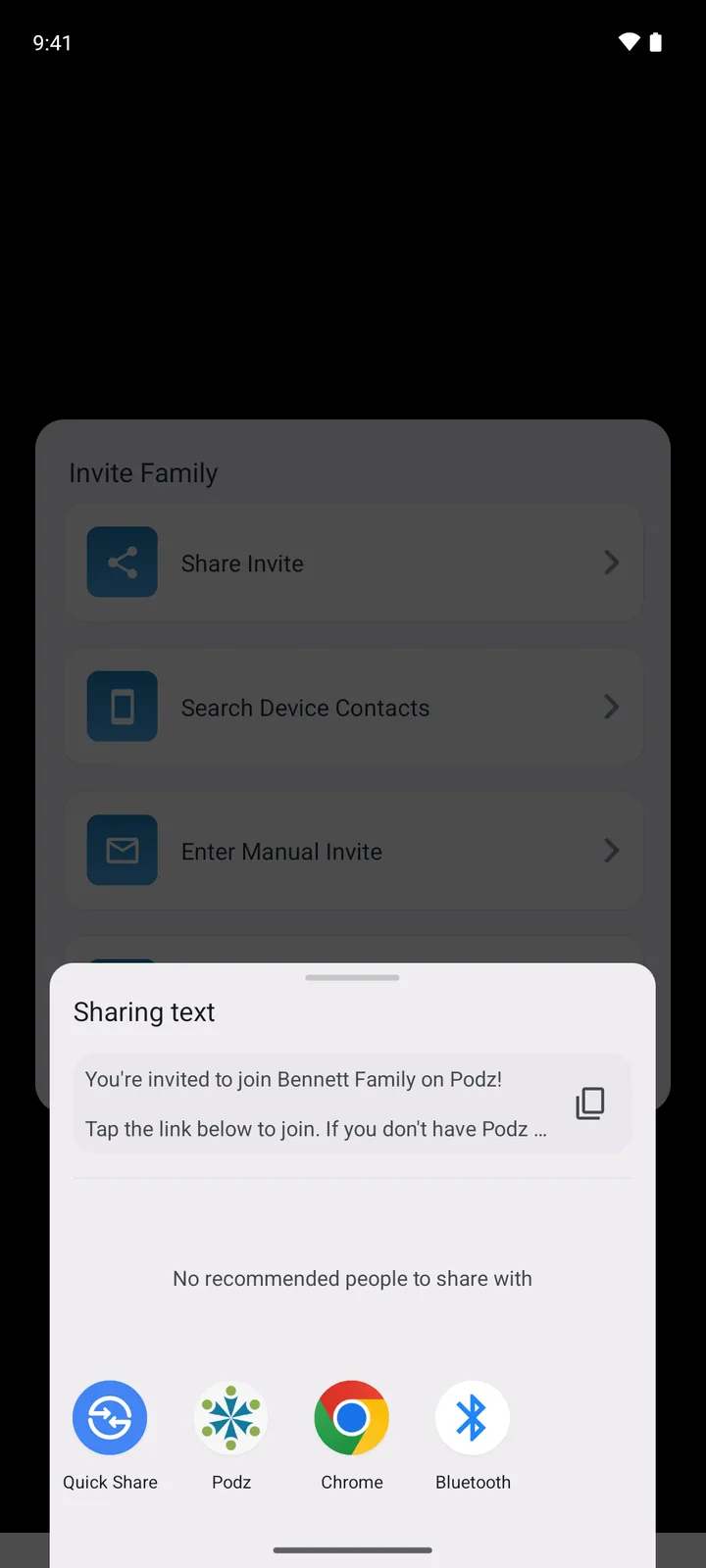
Steps checked on Android; iPhone screens may look slightly different. Checked in Podz 2.20.56 on Nov 16, 2026.
Good to know
The person taps the link, or types the code in Join a Pod, to join. To send the invite from Podz instead, tap Enter Manual Invite, fill in First name, Last name, E-mail and Message, and tap Send Invite.
For someone without a phone, such as a young child, use Add Offline Member in the same menu.
Still stuck? Get help from Podz, or search all the guides.
