
How does location sharing work in Podz?
Location sharing has a control for this pod, Share location with this Pod, and an app-wide control, Allow Location Sharing, in App Settings.
Steps
- Open the pod, tap the app menu (the gear icon at the top right of a pod screen), then Pod Profile.
- Turn on Share location with this Pod. Its note says this Also enables location sharing in Settings.
- Tap Save at the top.
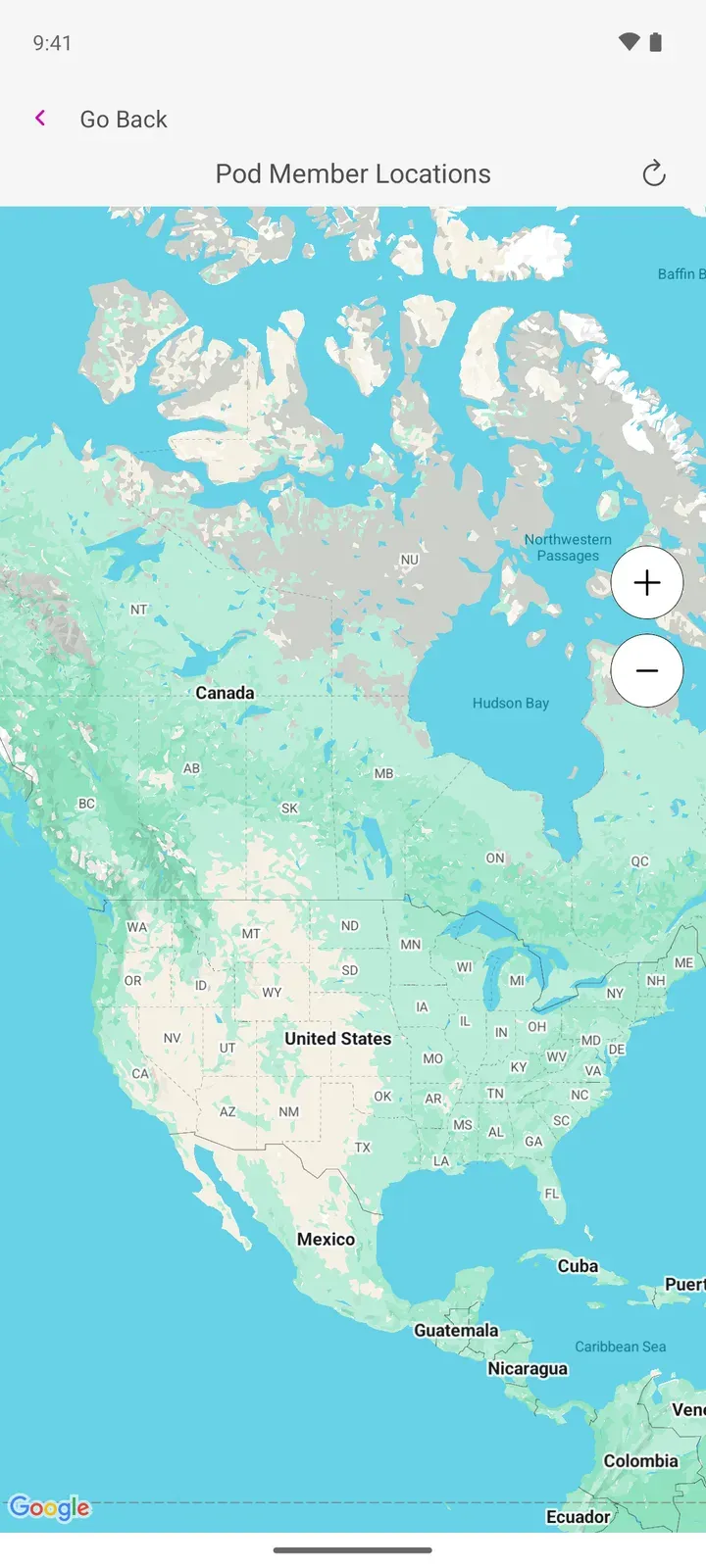
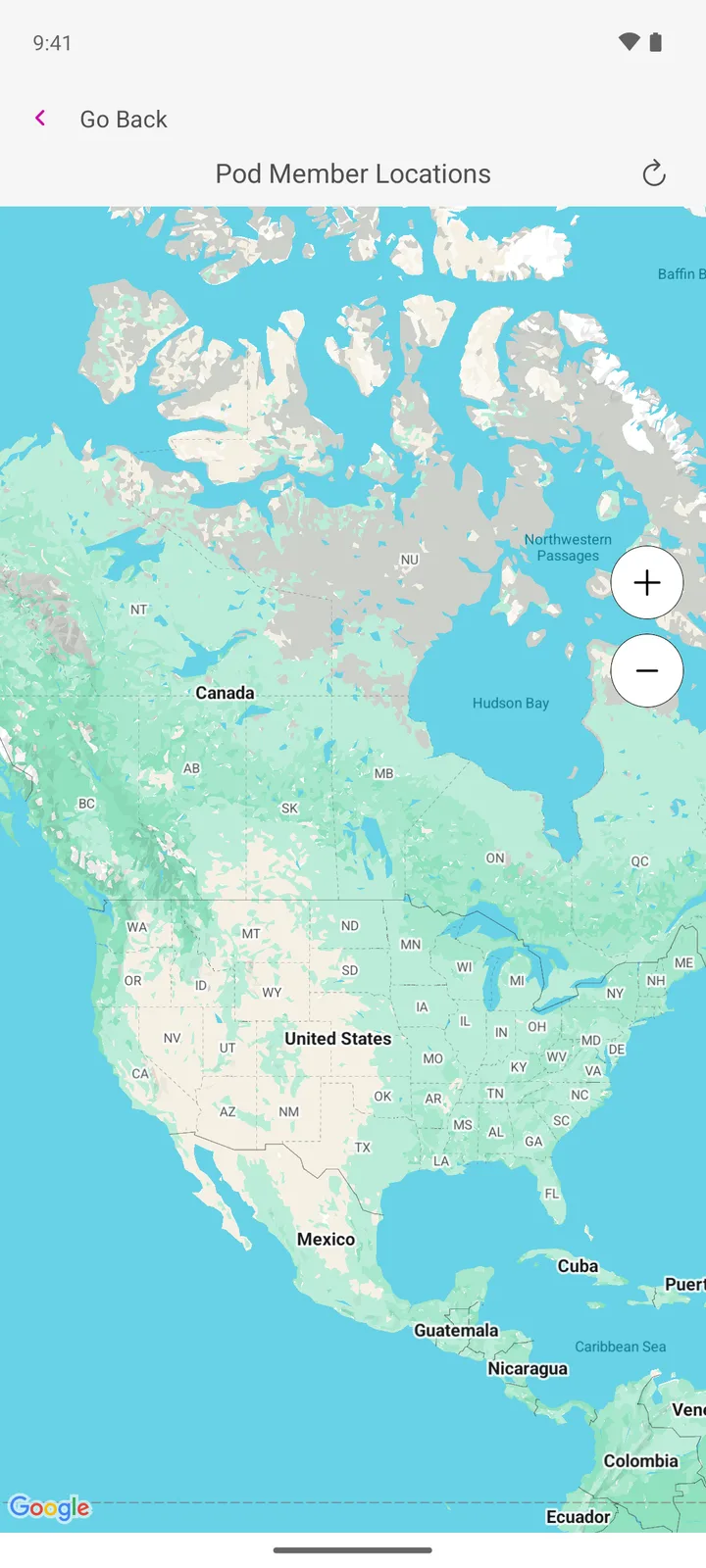
- To see the map, tap More at the bottom, then Locations.
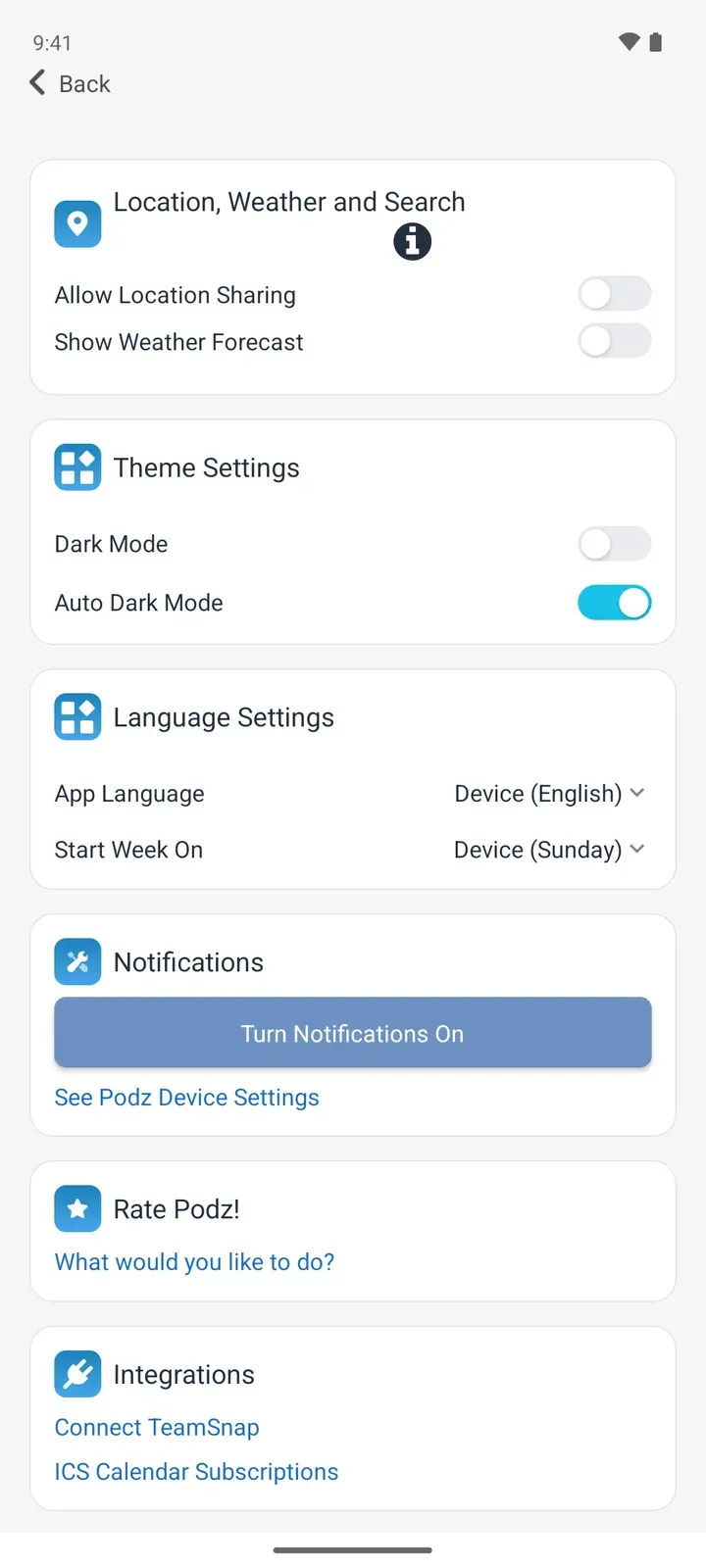
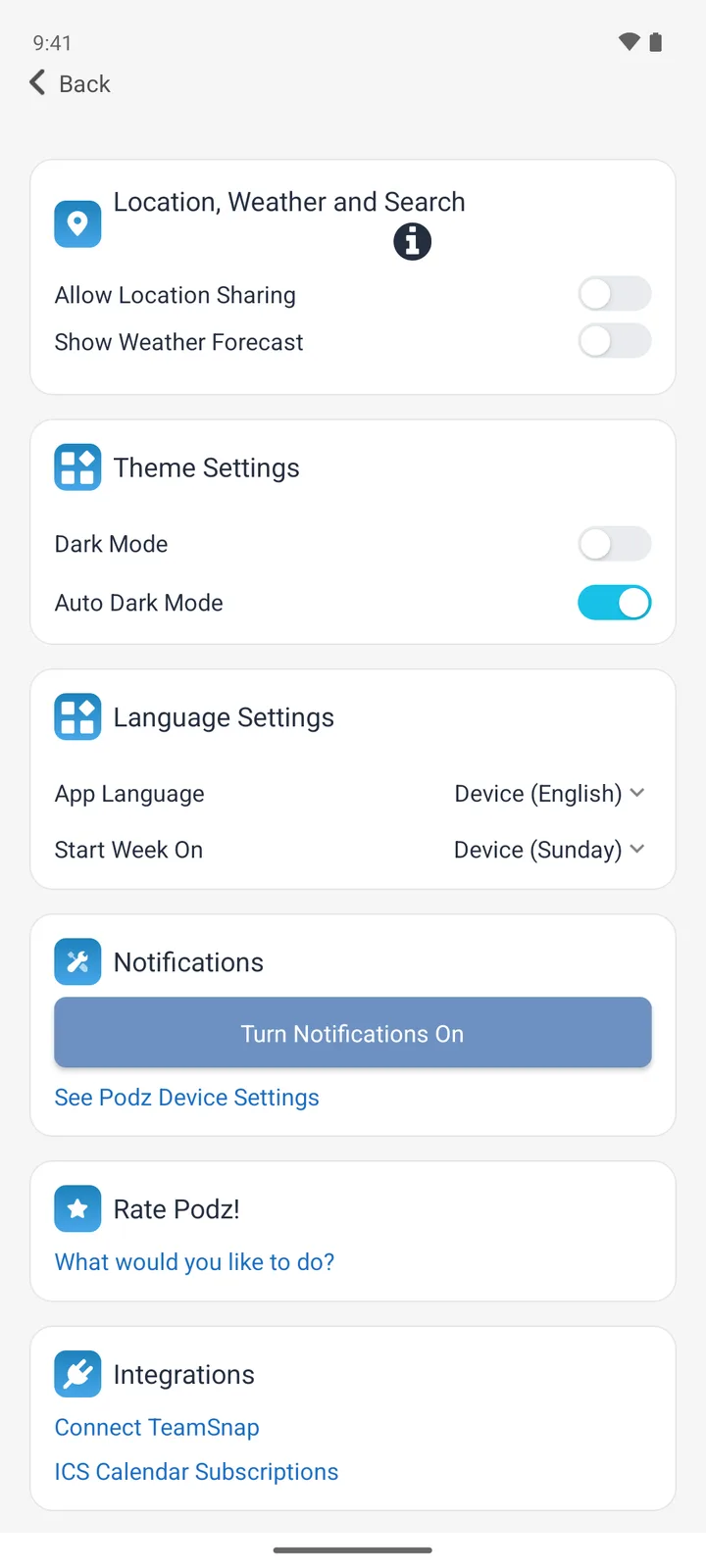
- For the switch that covers the whole app, open the app menu, then App Settings, and find Allow Location Sharing.
Steps checked on Android; iPhone screens may look slightly different. Checked in Podz 2.20.56 on Nov 16, 2026.
Good to know
Show Weather Forecast is beside Allow Location Sharing in App Settings.
Still stuck? Get help from Podz, or search all the guides.
