
How do I make a packing list for our trip?
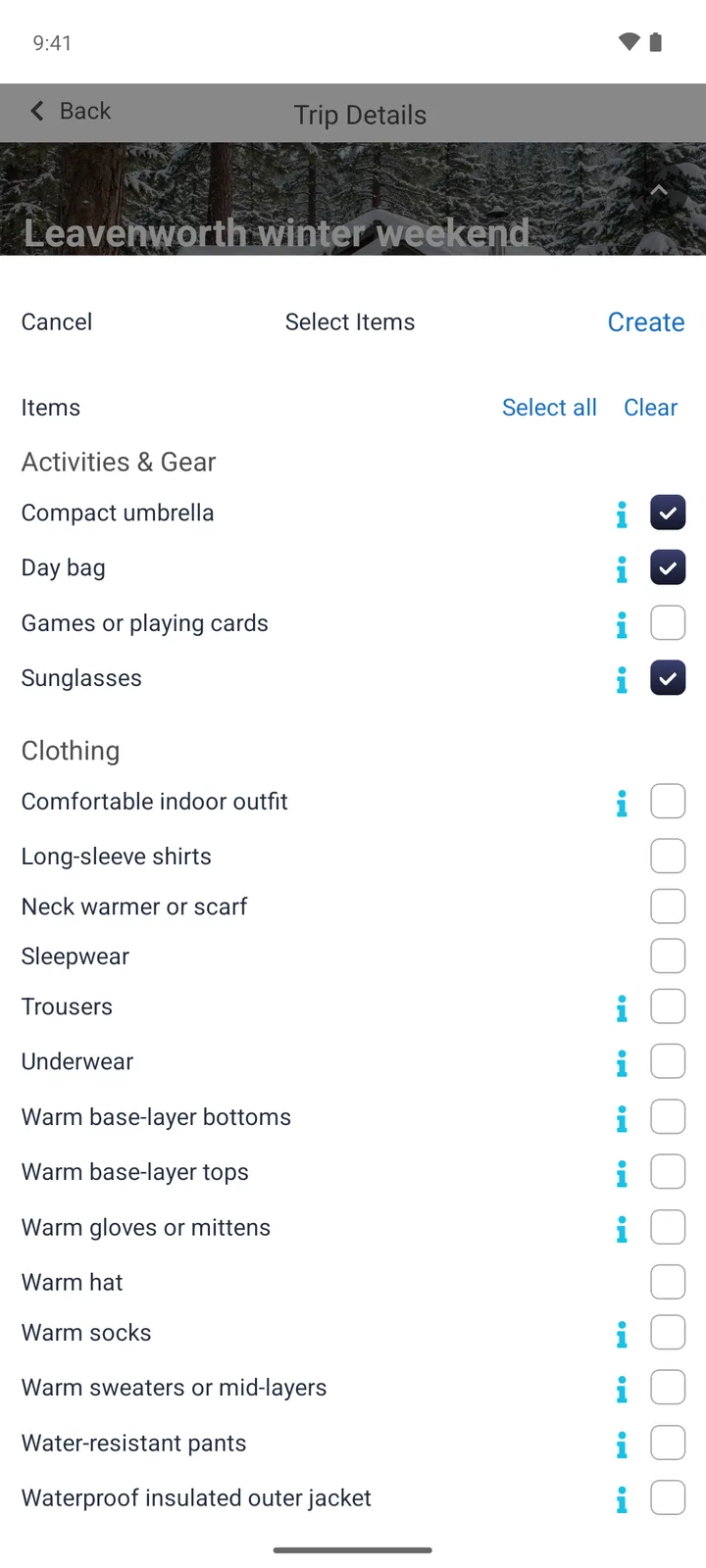
Open the trip, tap Add Item, then Packing List, and tap Generate List. Podz suggests items for that trip; tick the ones you want and tap Create.
Steps
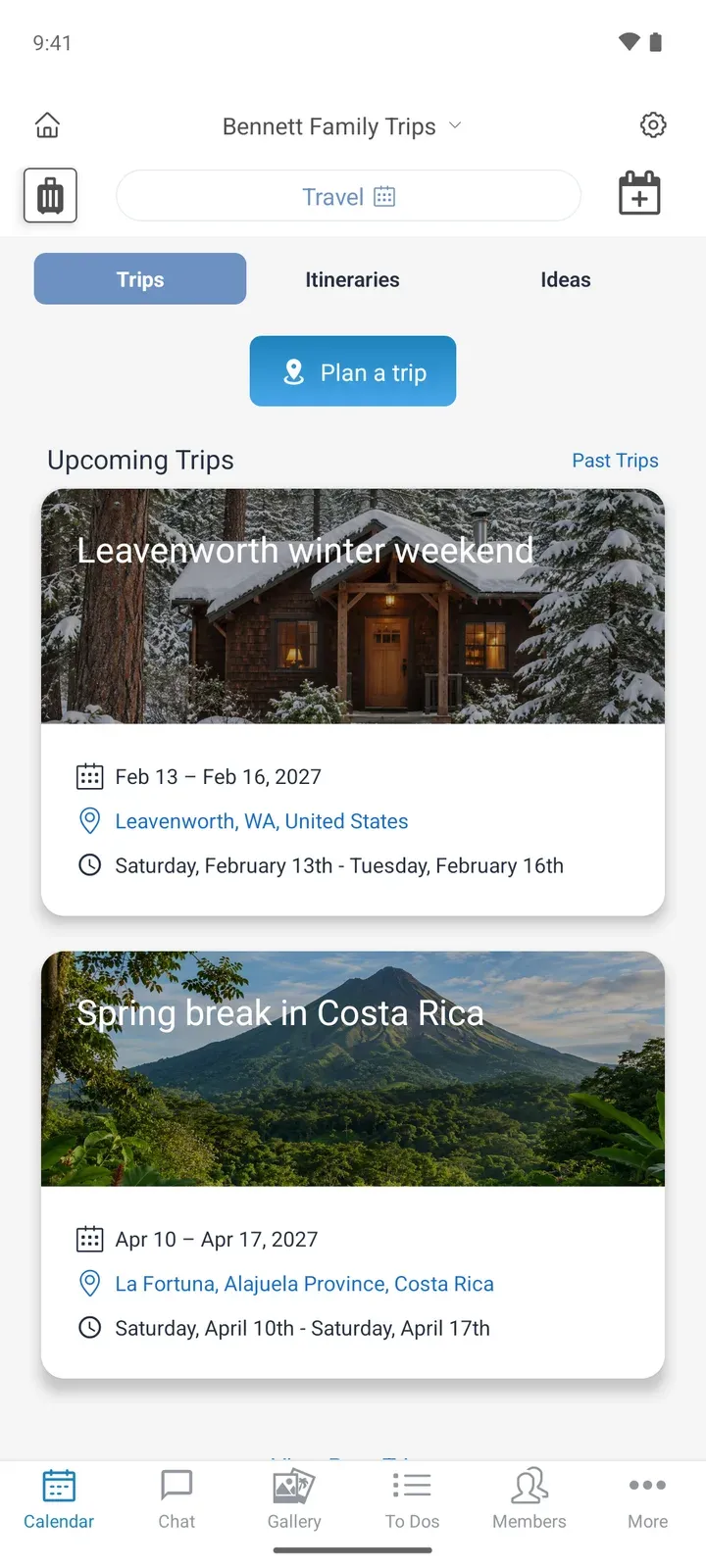
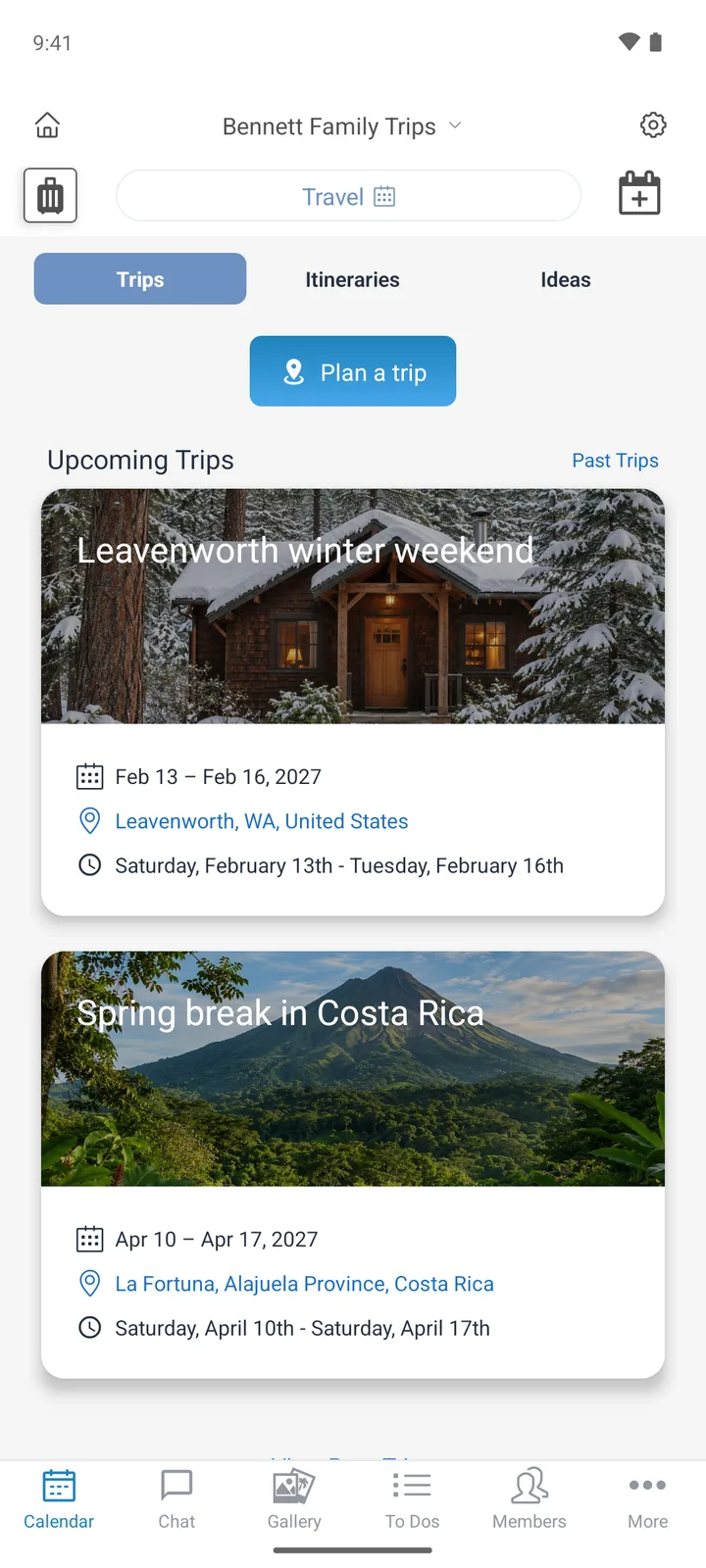
- In Calendar, tap the view button (left of the date), then Travel. Your trips are under Trips; Past Trips shows trips that have ended.
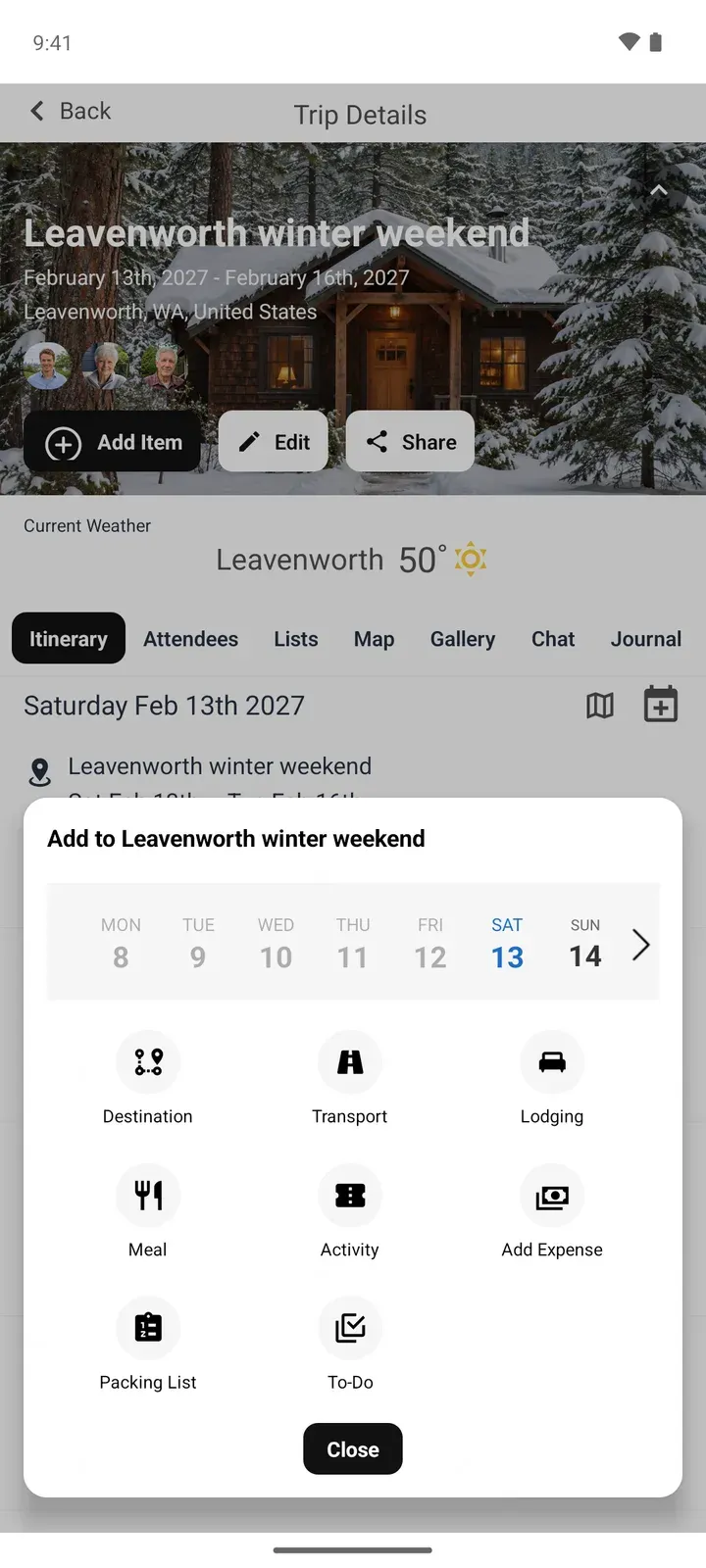
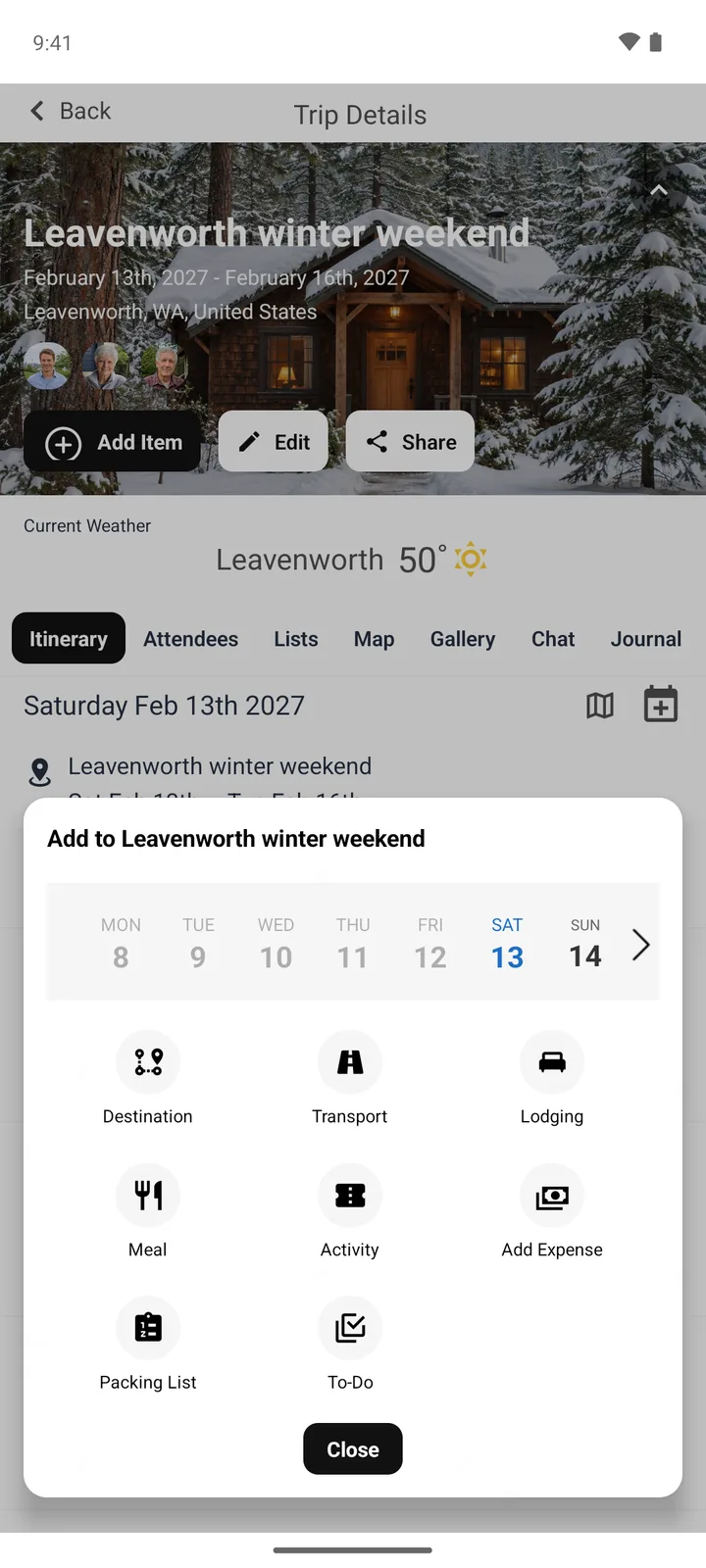
- Open the trip, tap Add Item, then Packing List.
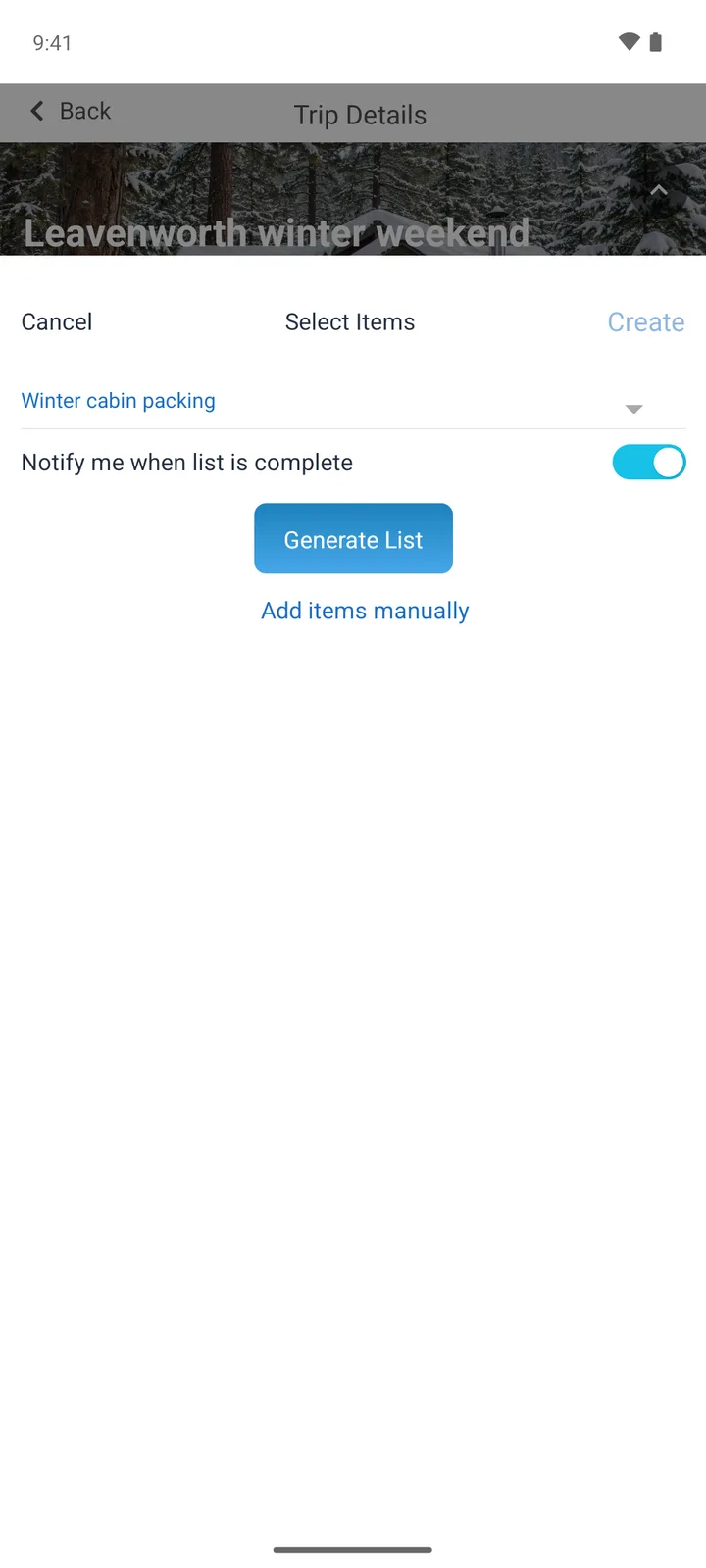
- At the top of Select Items, choose the list to fill. Notify me when list is complete tells you when the suggestions are ready.
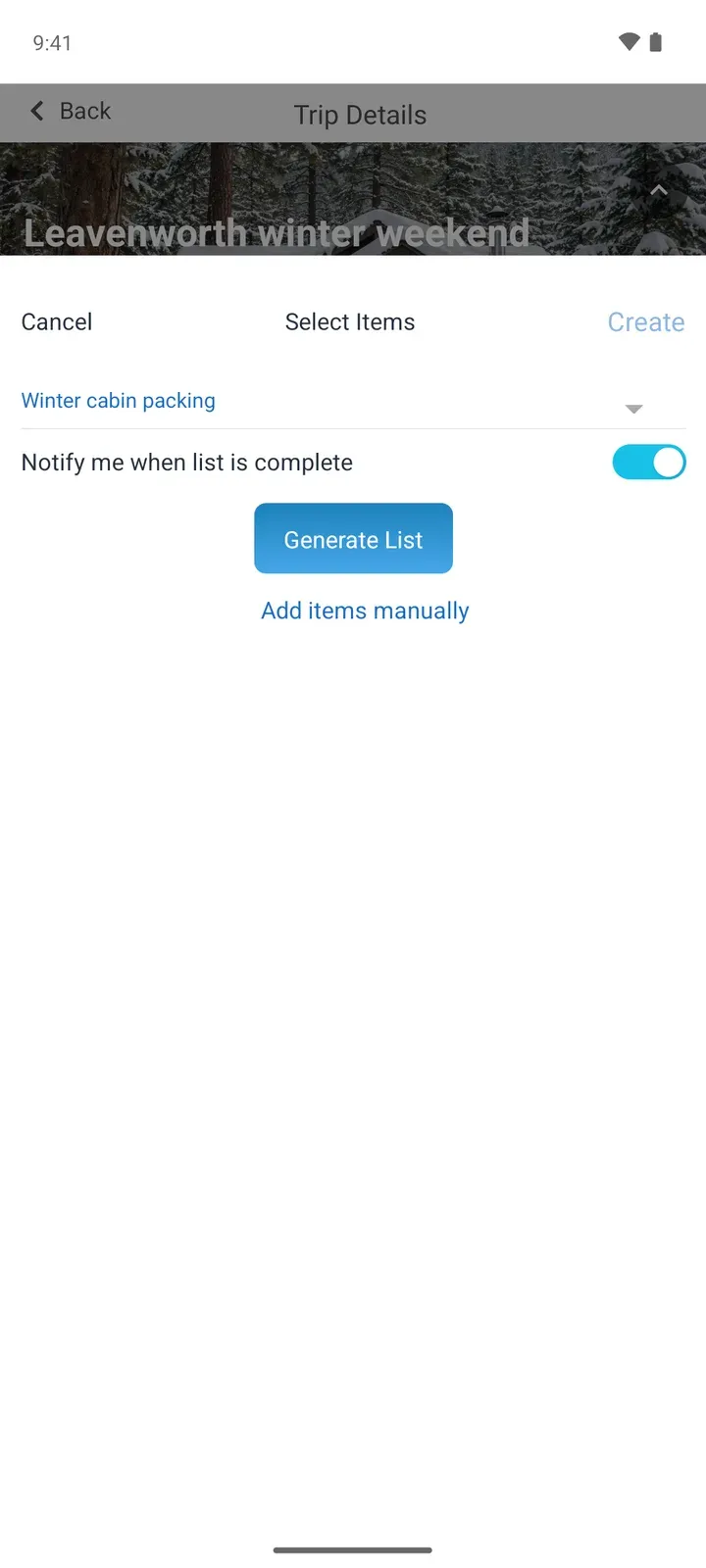
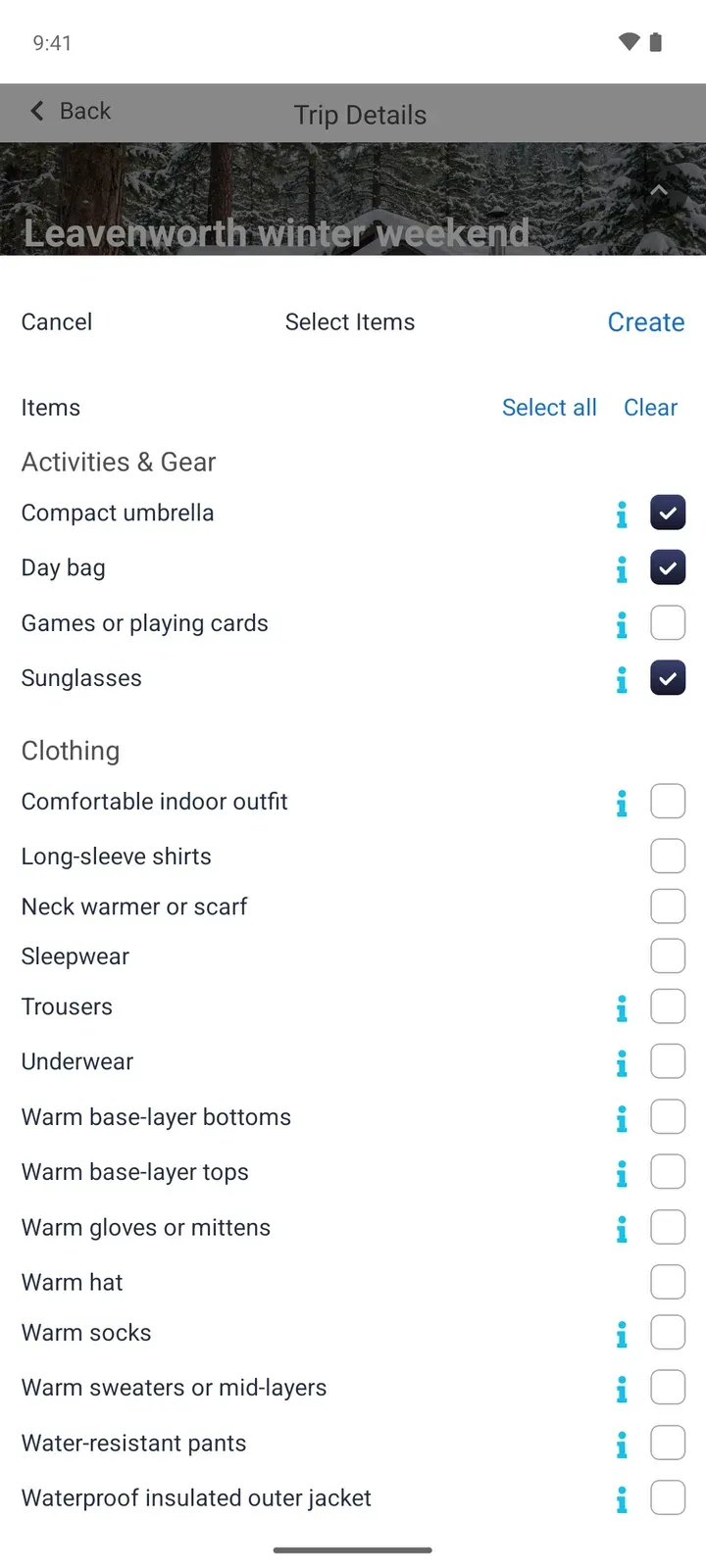
- Tap Generate List. The Podz Travel Agent can take up to a minute to suggest items for the trip, grouped under headings such as Clothing. To type your own instead, tap Add items manually.
- Tick the items you want, or tap Select all, then tap Create.
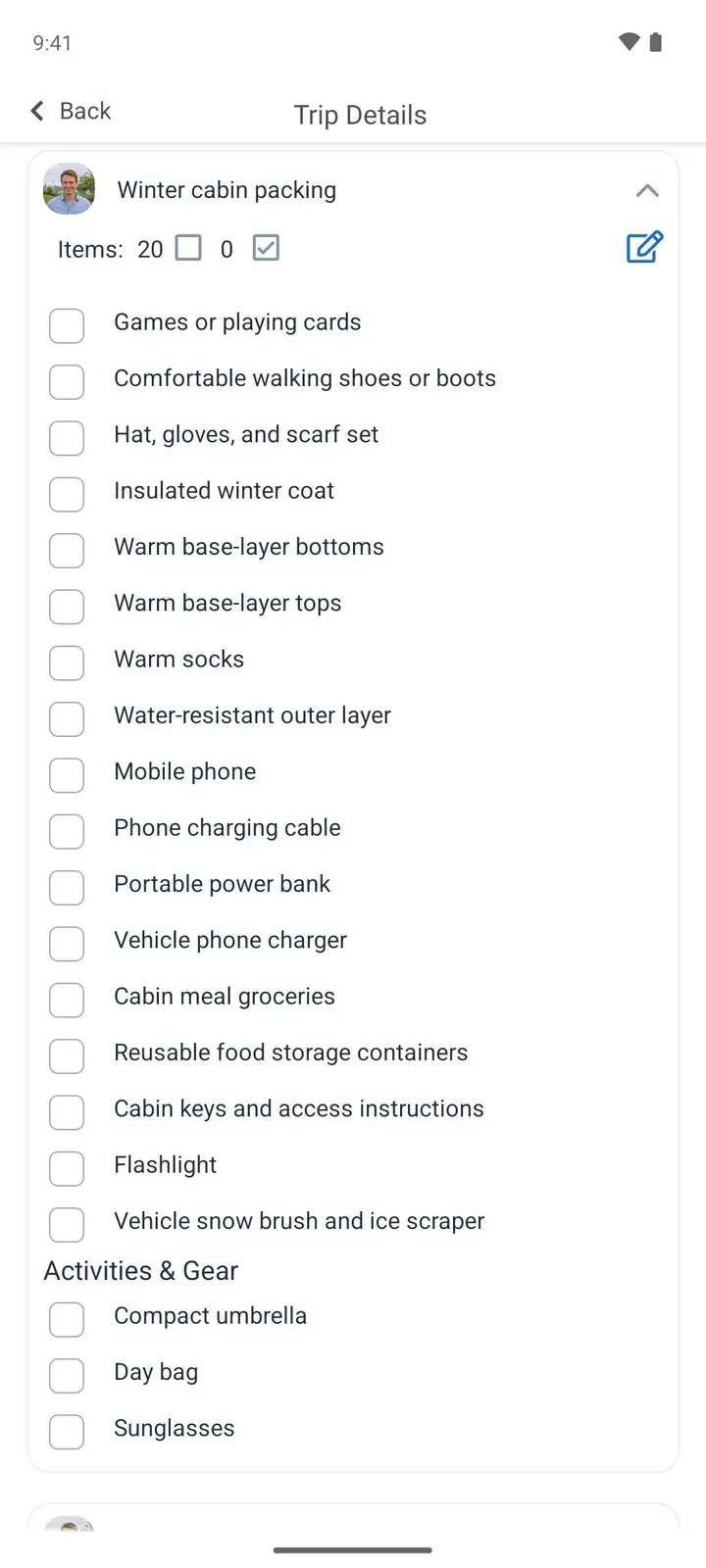
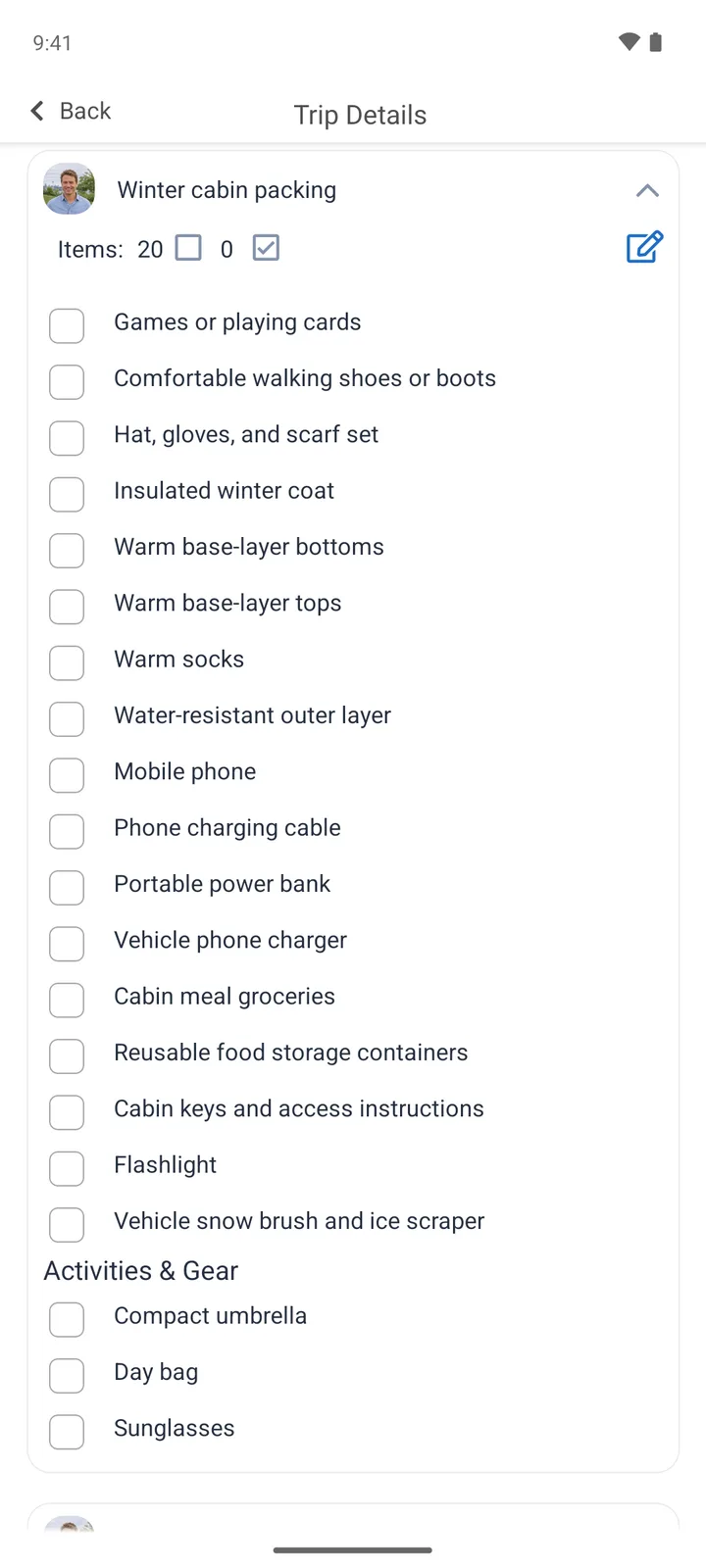
- Open the trip's Lists tab. The items are on the list, ready for everyone to tick off as they pack.
Steps checked on Android; iPhone screens may look slightly different. Checked in Podz 2.20.56 on Nov 16, 2026.
Good to know
The Add Item menu also has Destination, Transport, Lodging, Meal, Activity, Add Expense and To-Do. While the list is being made you can switch to another app, as long as you do not close Podz.
Still stuck? Get help from Podz, or search all the guides.
