
How do I plan a trip in Podz?
Open Travel, tap Plan a trip and choose I know where I'm going. Describe the trip, answer Podz's questions and tap Create Your Itinerary, then make the itinerary into a trip with its dates.
Steps
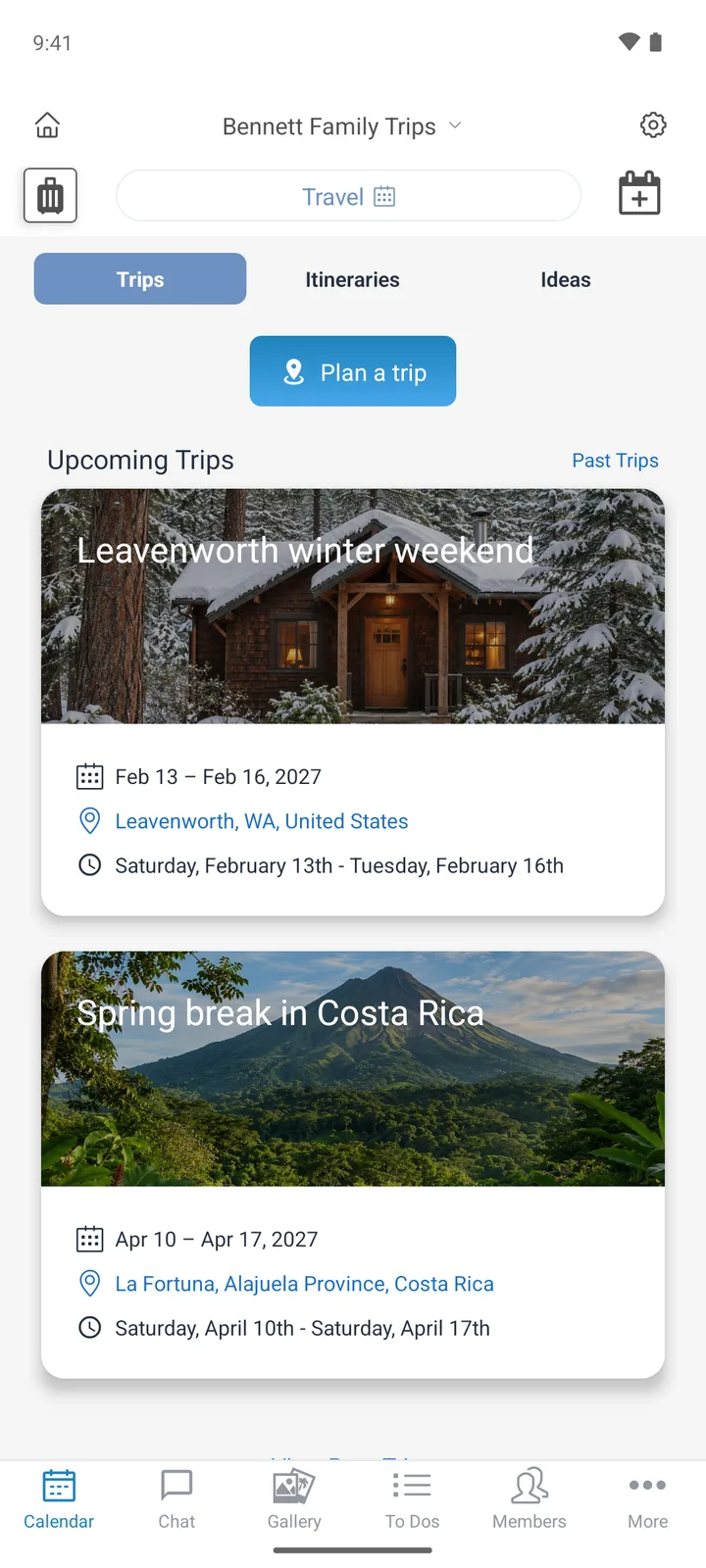
- In Calendar, tap the view button (left of the date), then Travel. Your trips are under Trips.
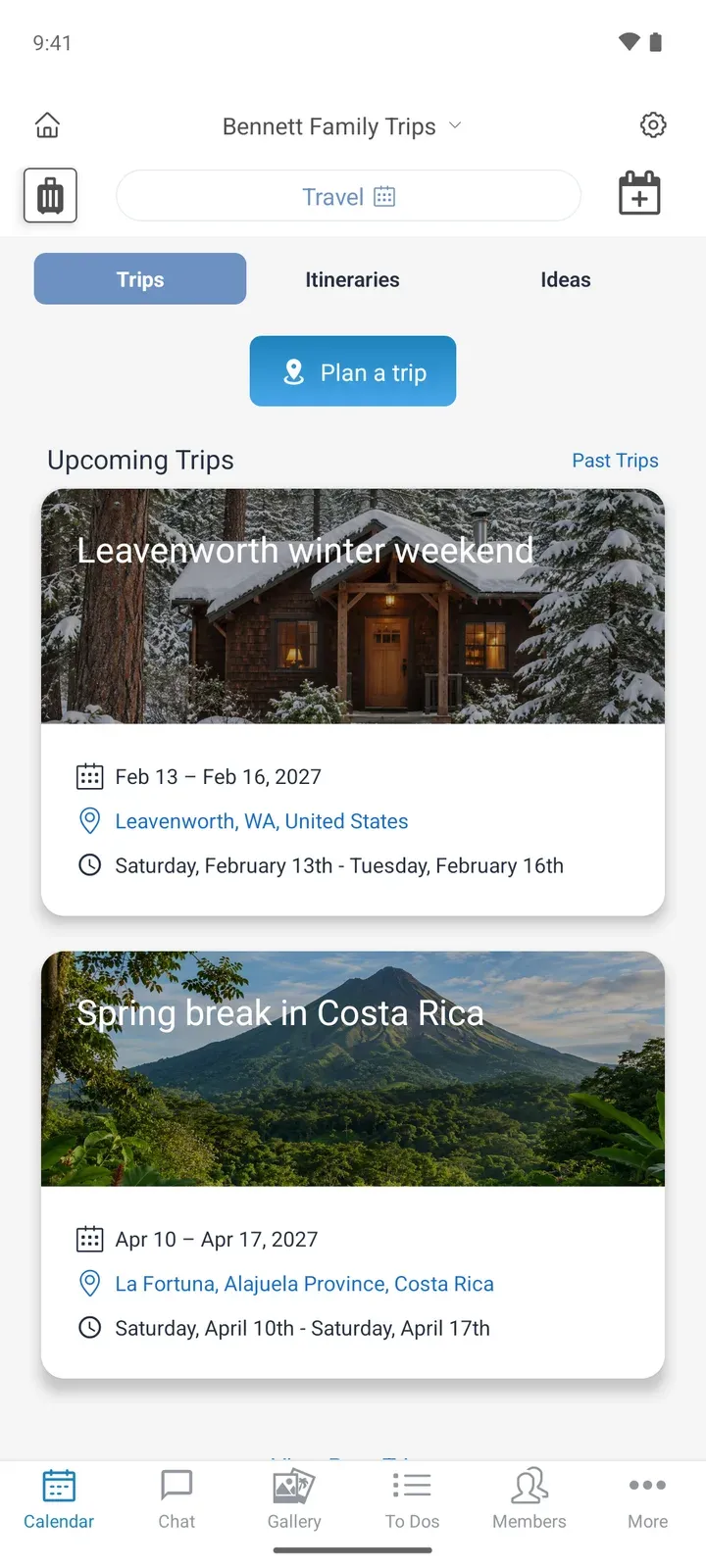
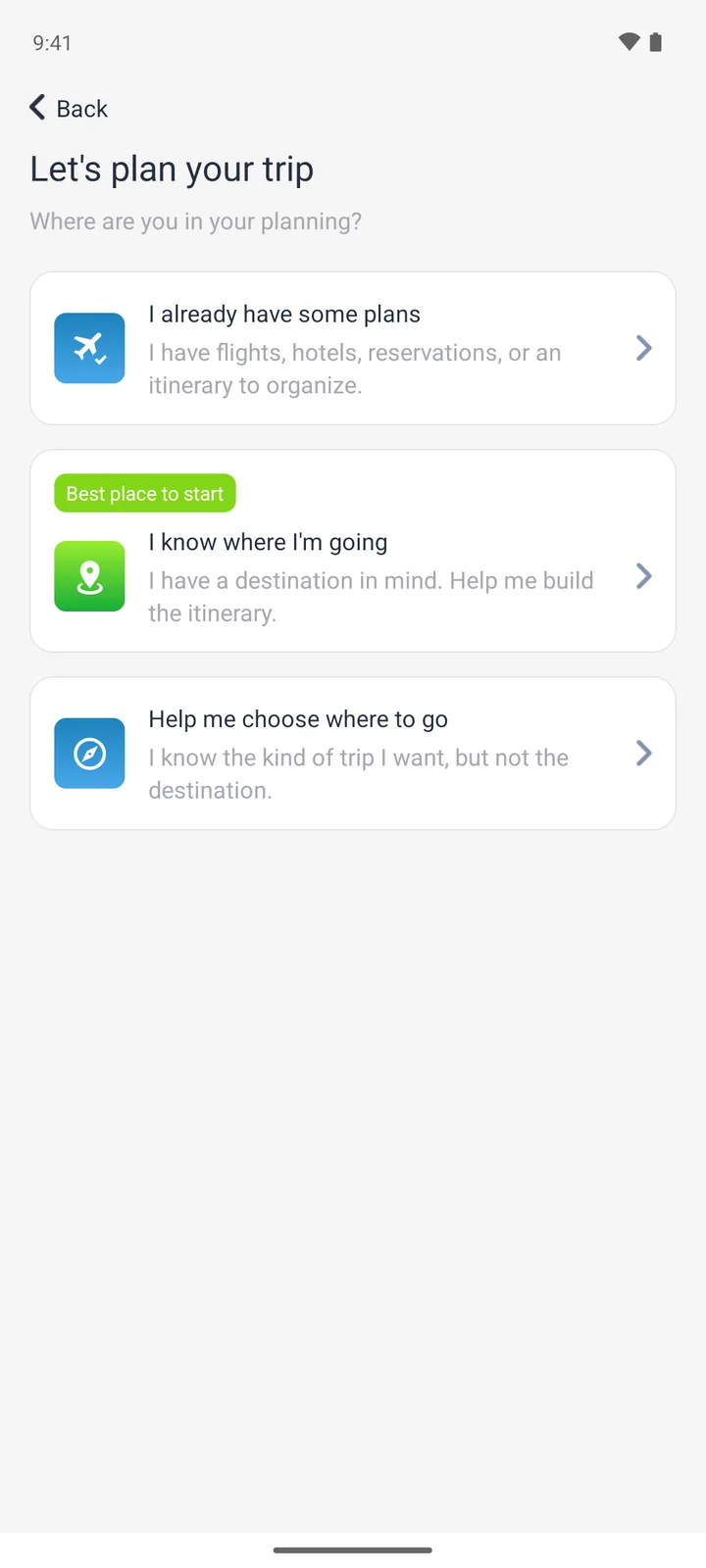
- Tap Plan a trip. Podz asks Where are you in your planning?
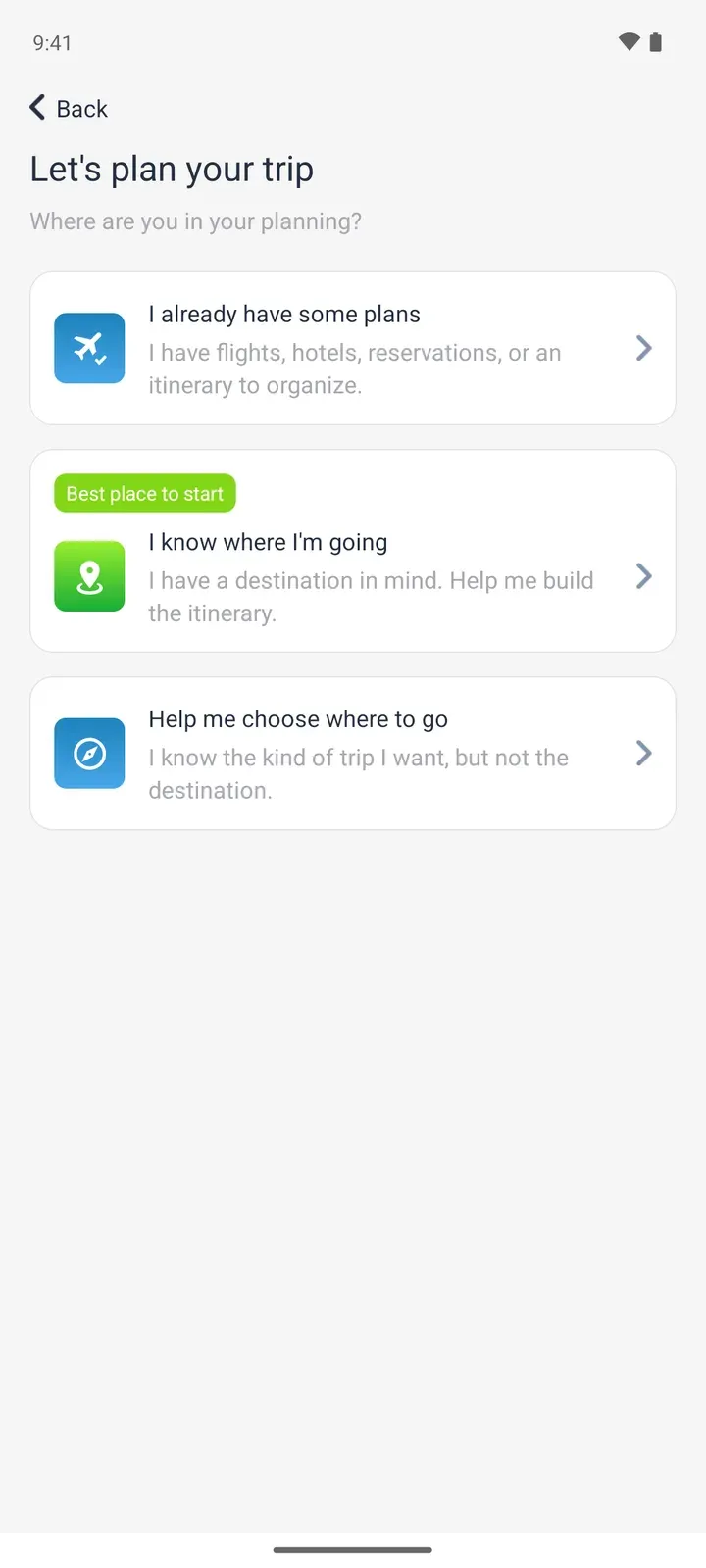
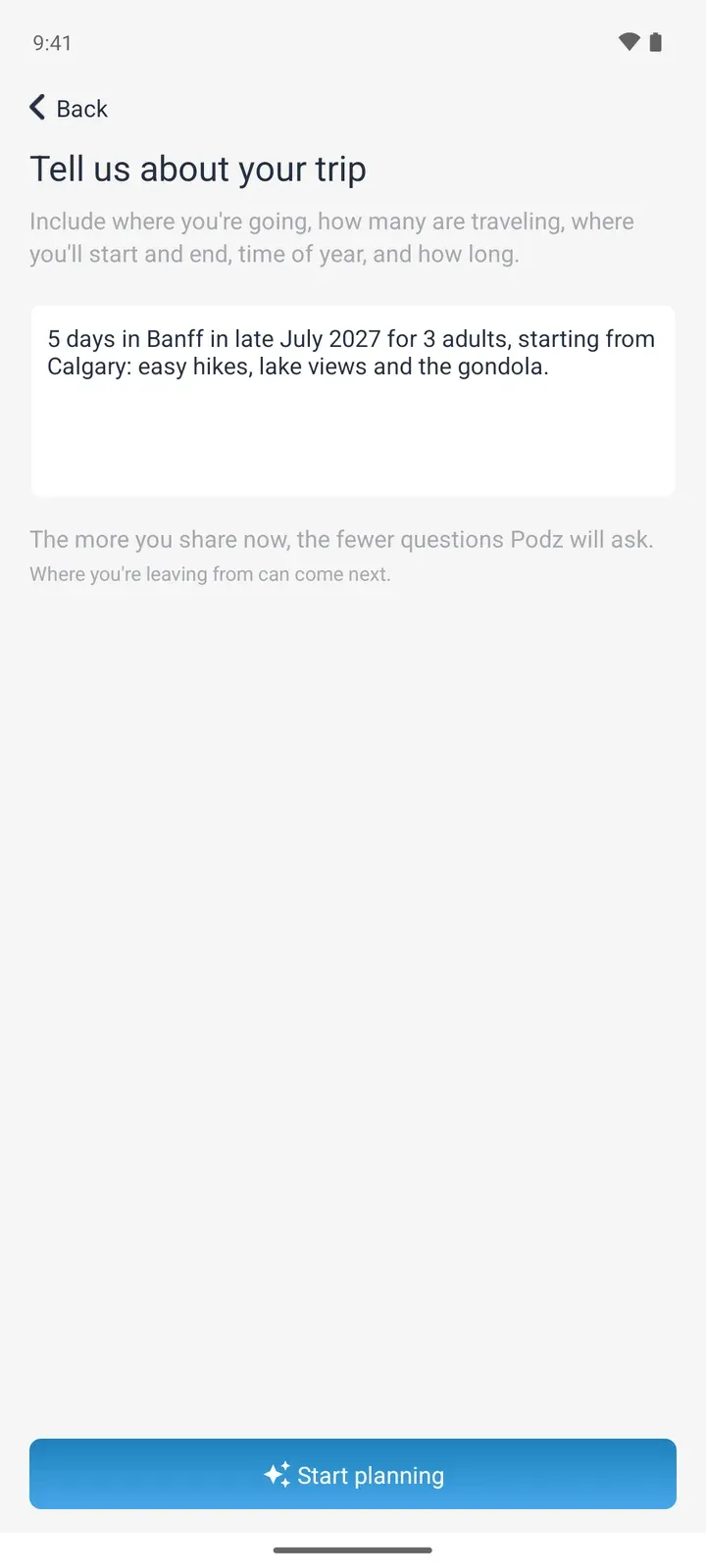
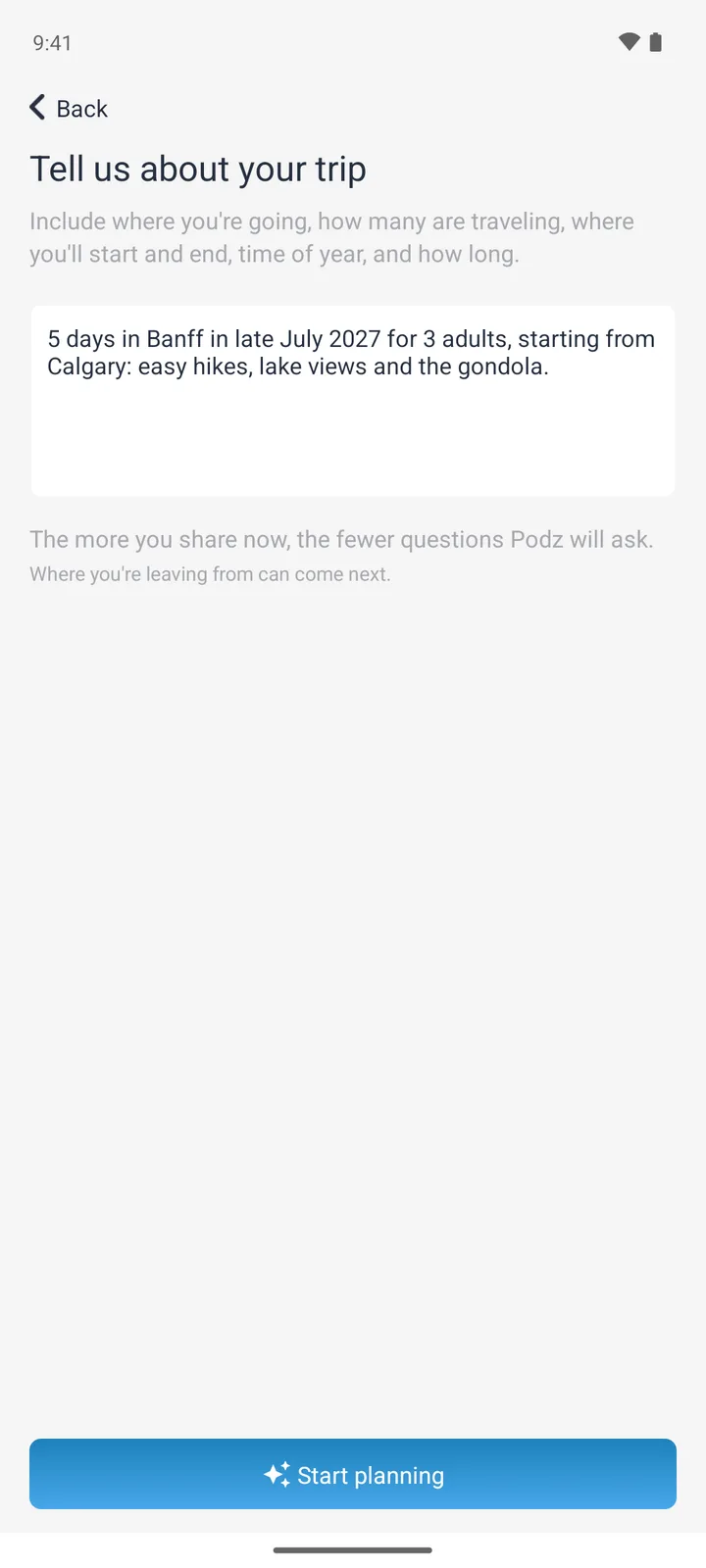
- Tap I know where I'm going. Under Tell us about your trip, write where you're going, who is coming, where you start, when and for how long, then tap Start planning.
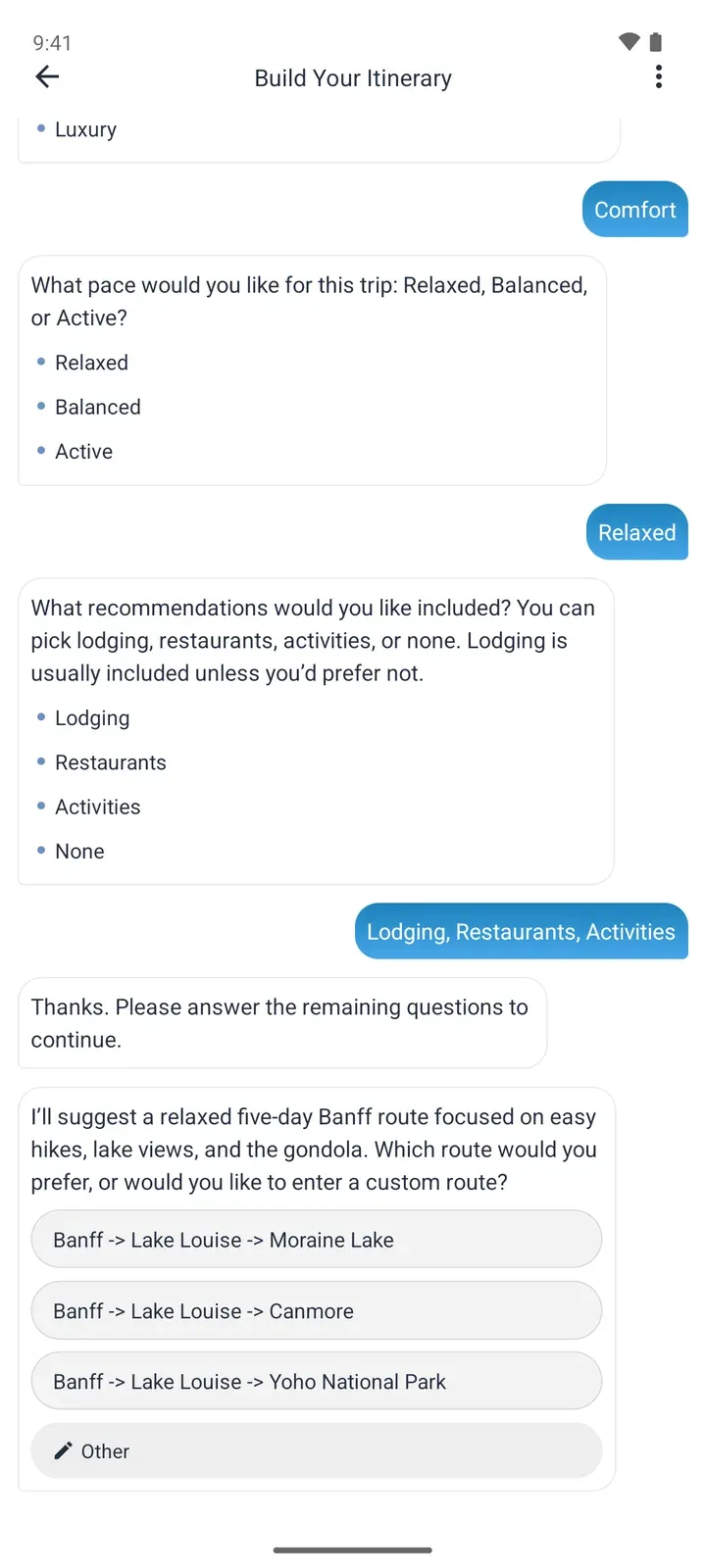
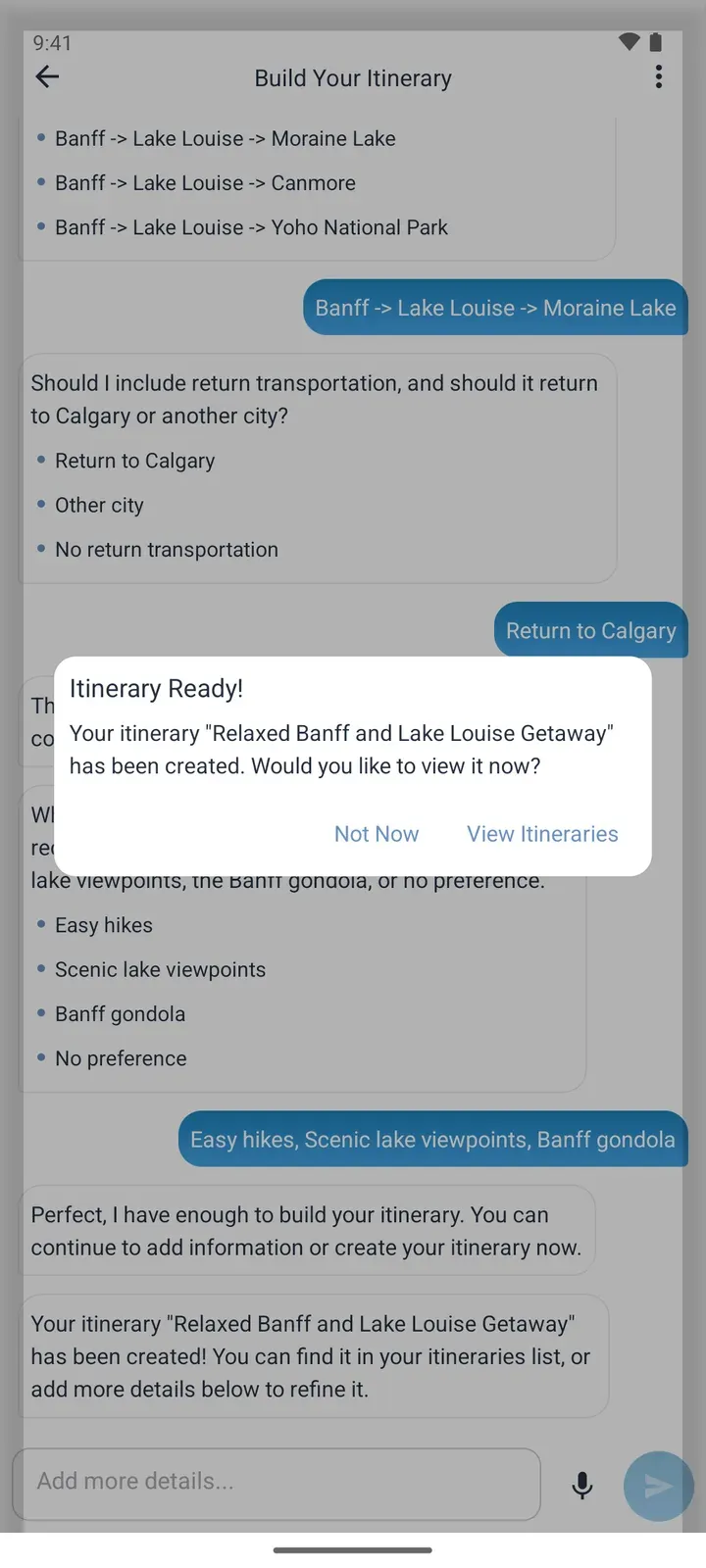
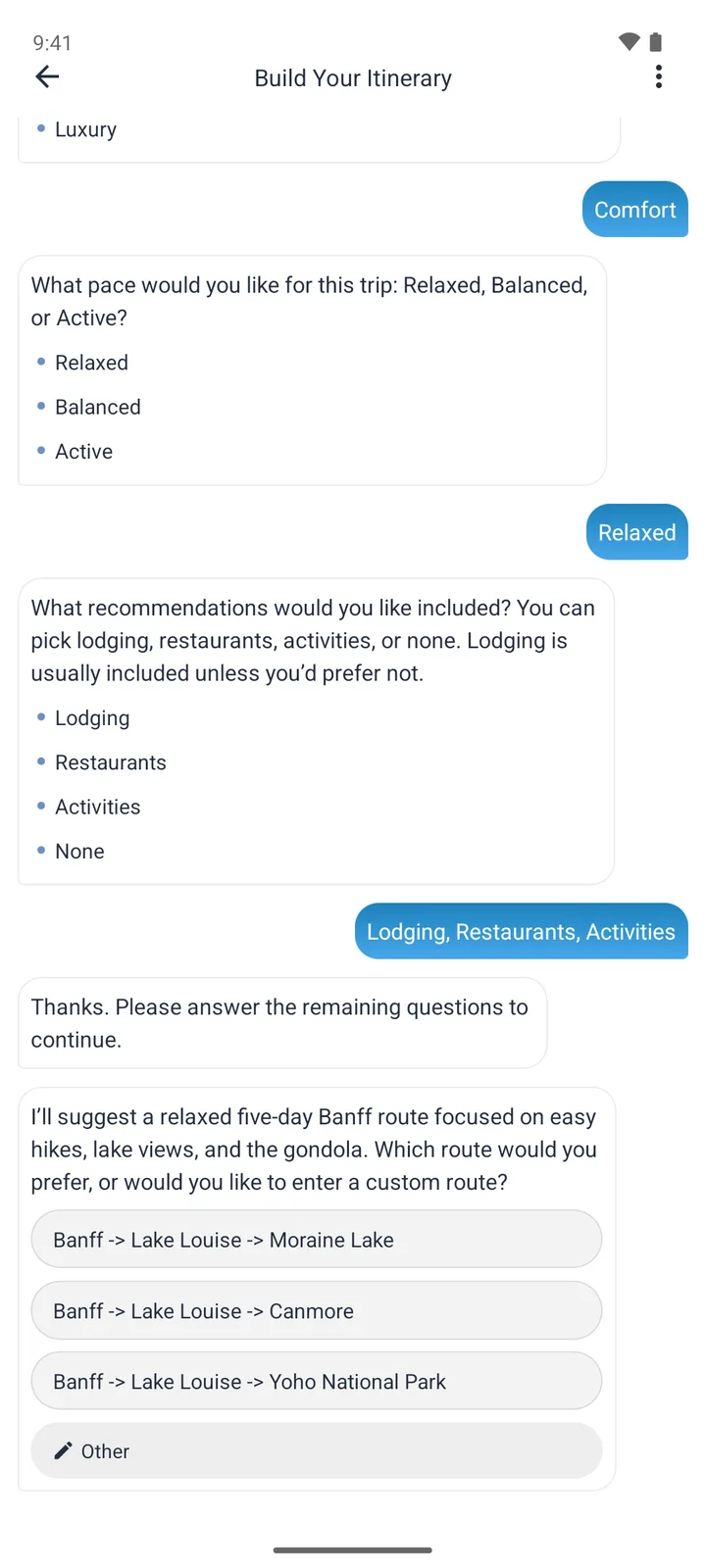
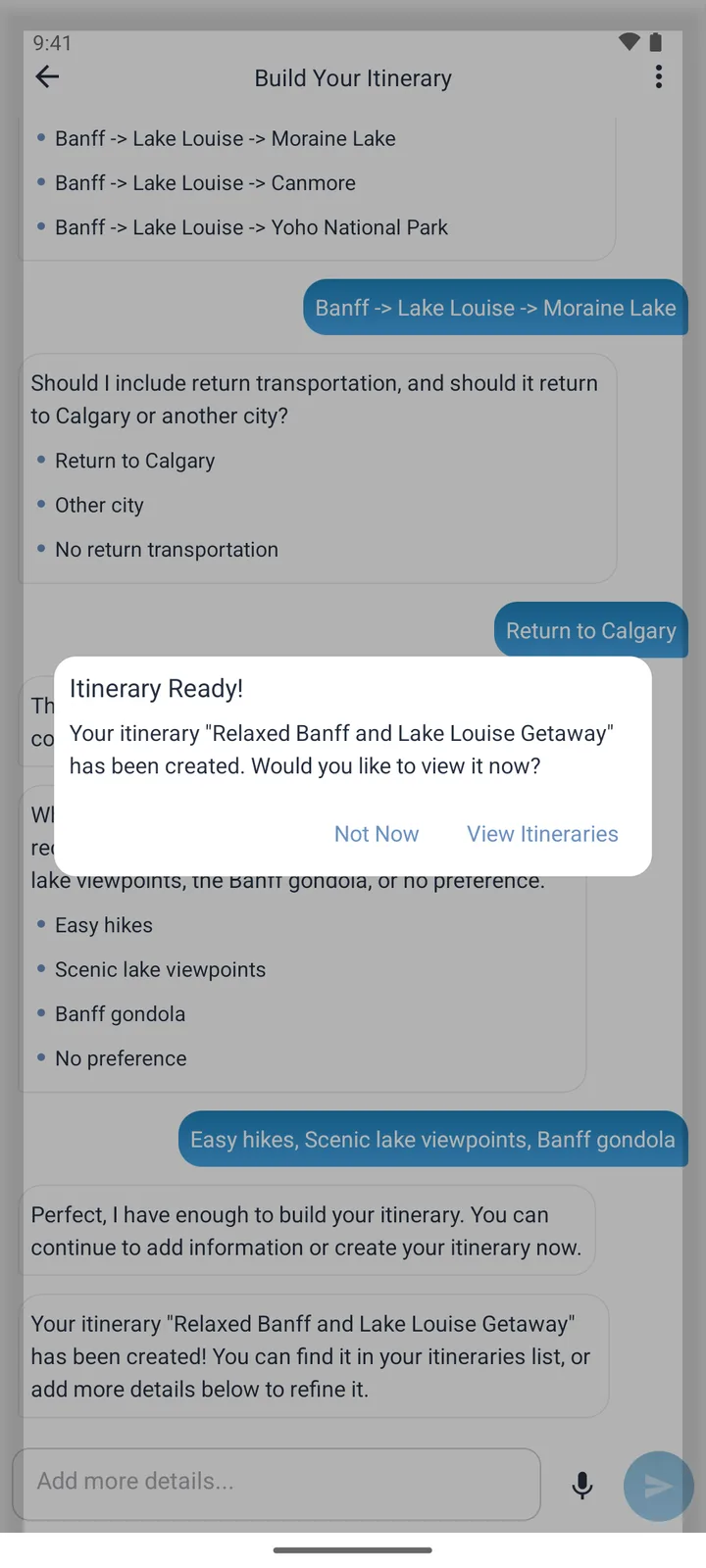
- Answer Podz's questions in Build Your Itinerary: the route, the budget, the pace, what to recommend, the way home and the activities you like.
- Tap Create Your Itinerary. When Itinerary Ready! appears, tap View Itineraries and open your itinerary.
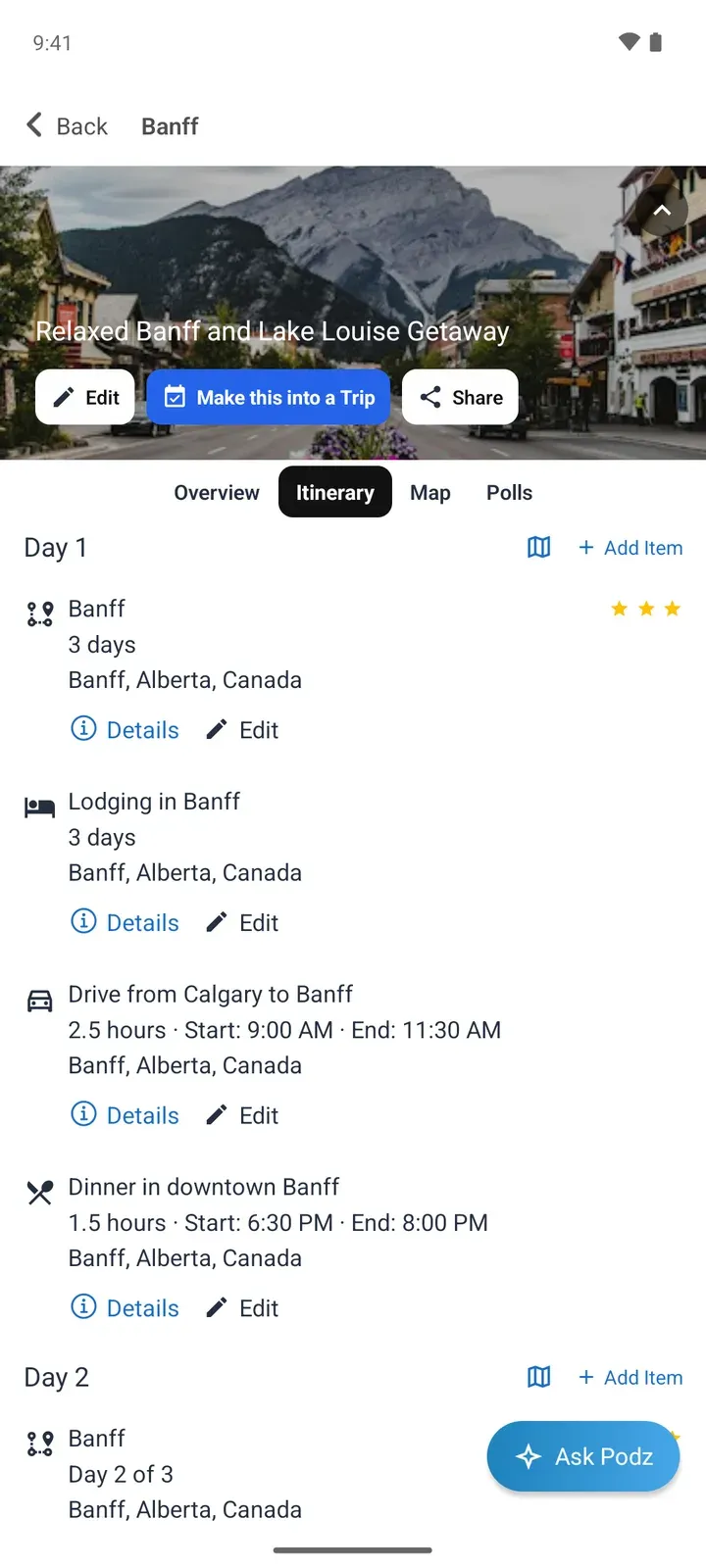
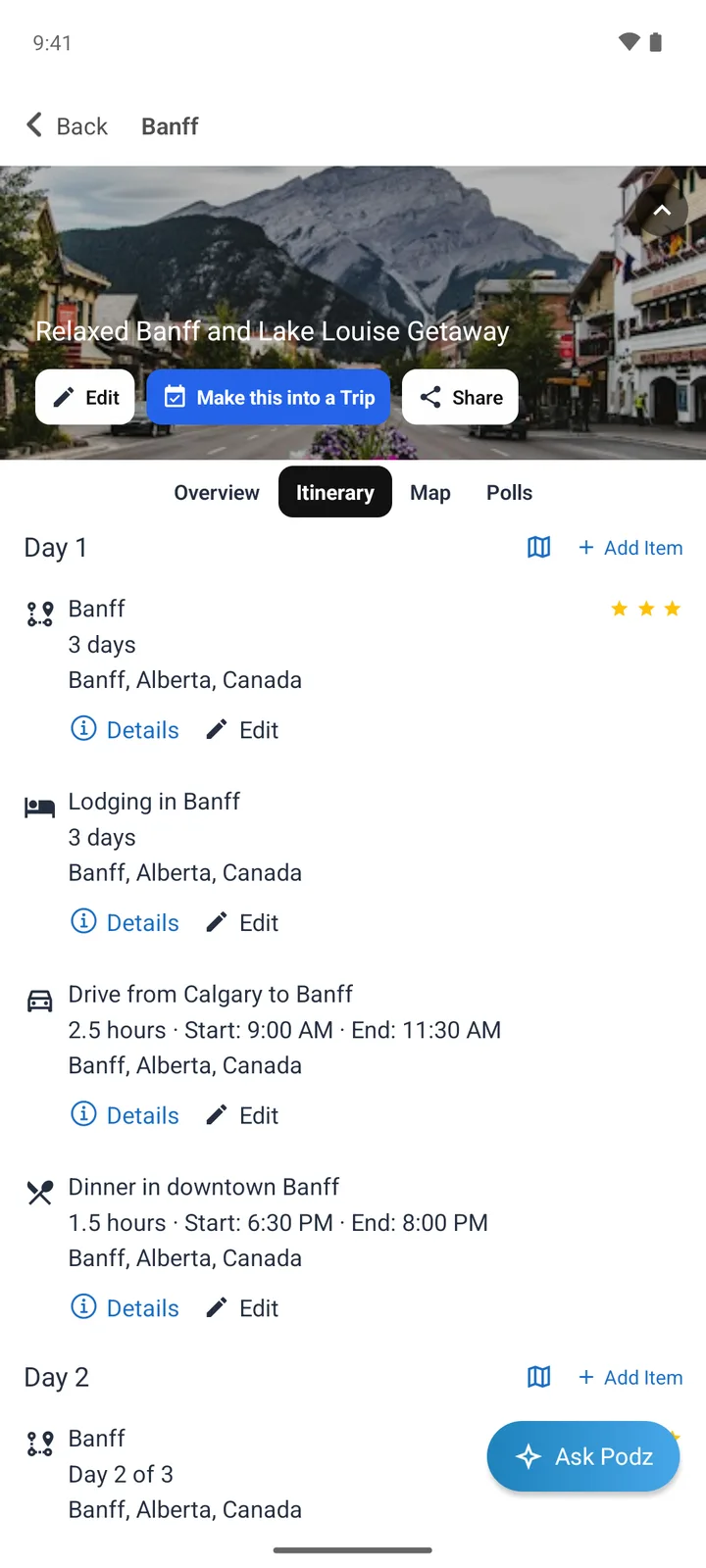
- Read the plan on the Itinerary tab: each day lists the stops, the drive, lodging and meals.
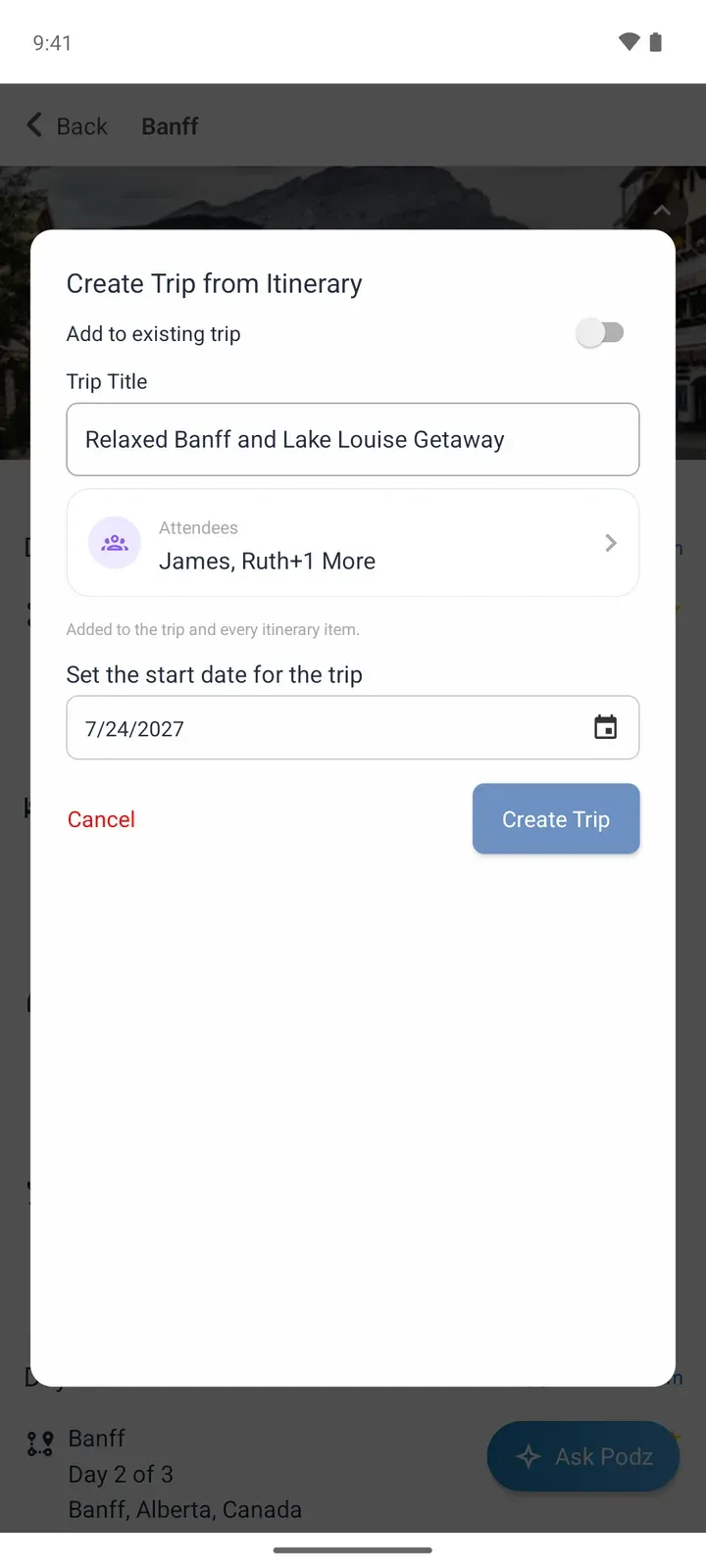
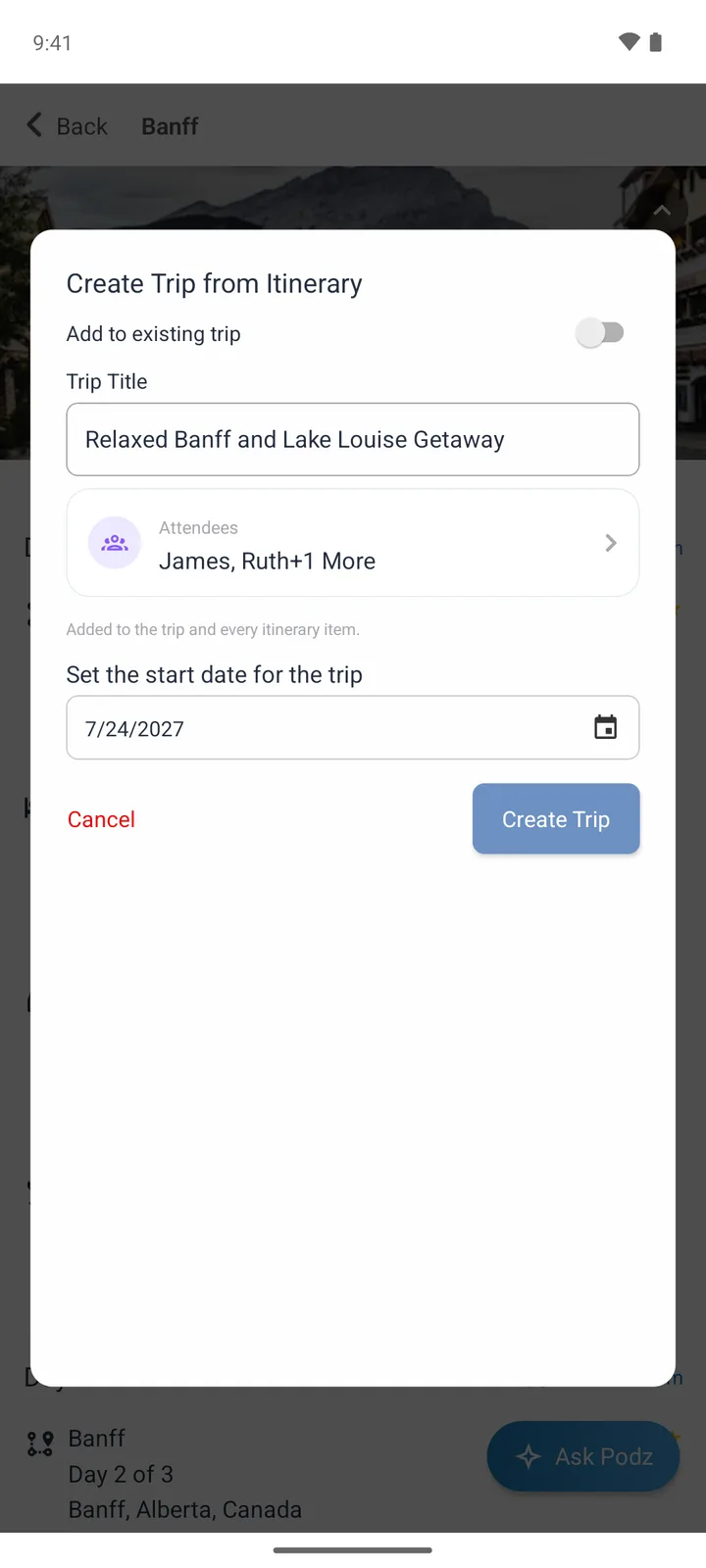
- Tap Make this into a Trip, choose who is coming under Attendees, set the start date and tap Create Trip.
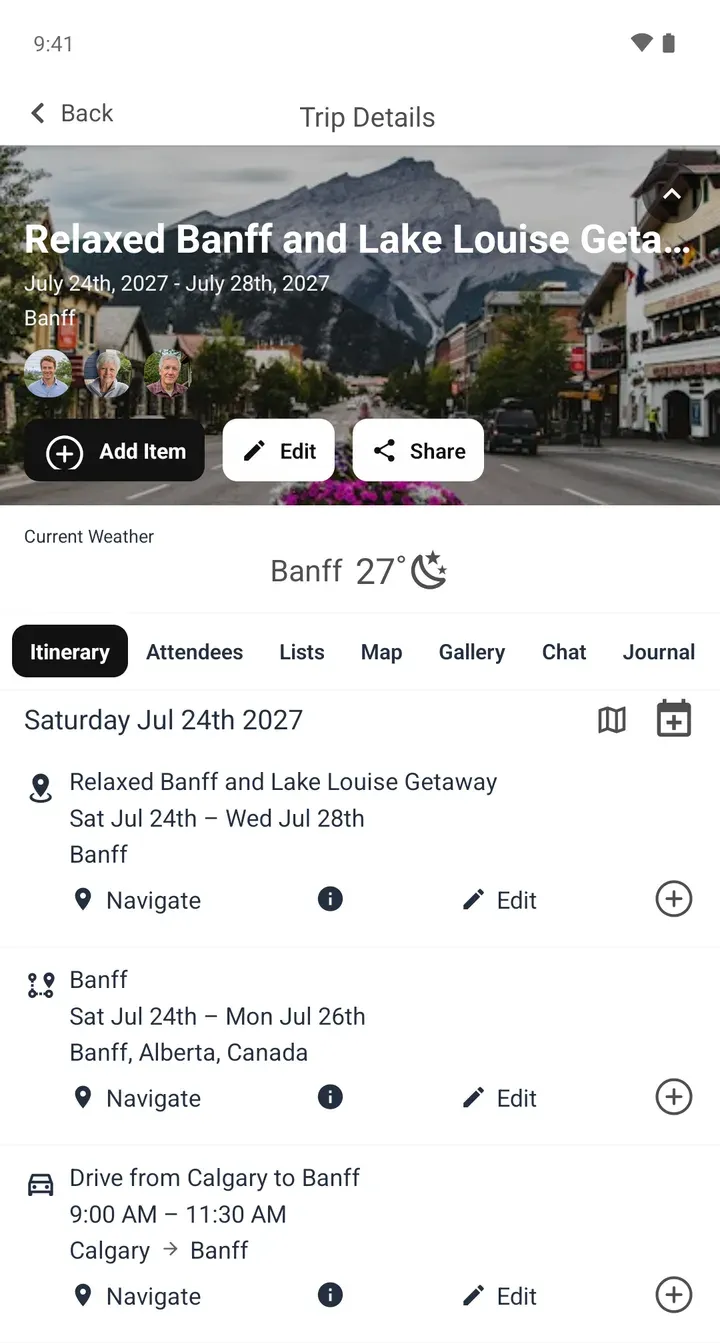
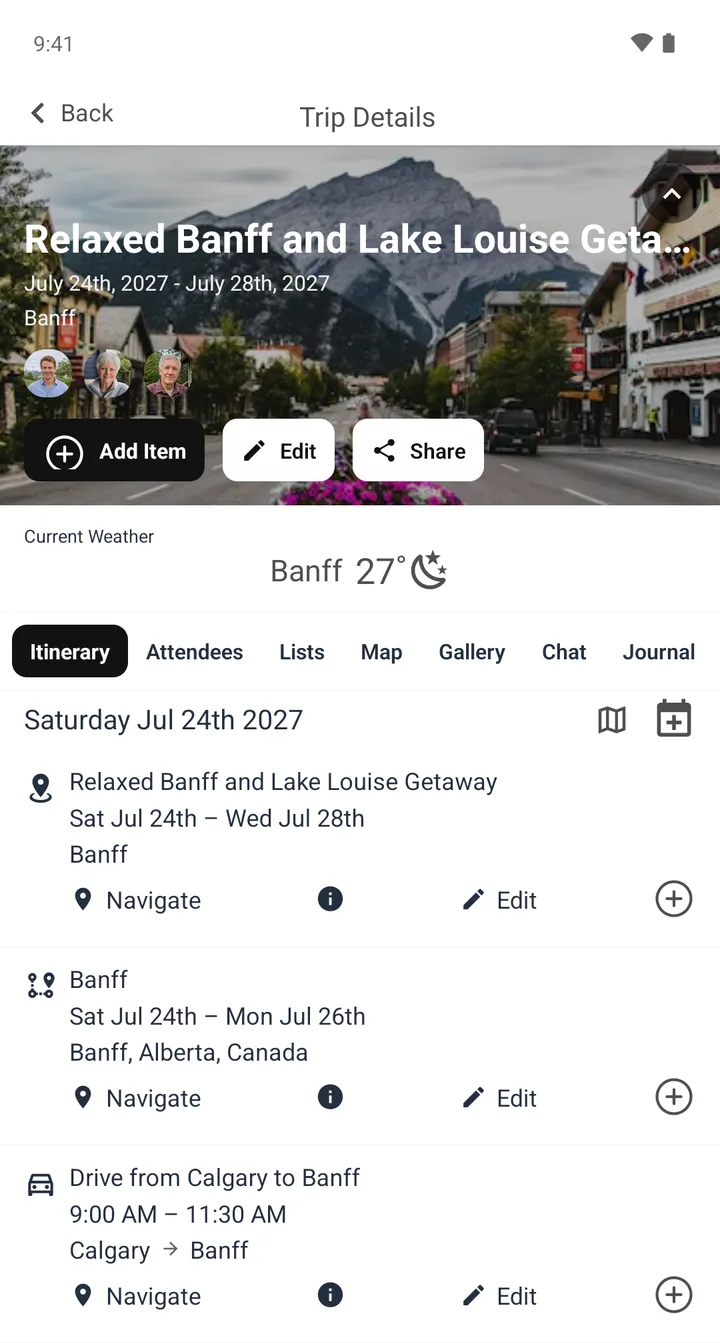
- Open the new trip from Trips. Its Itinerary tab holds the plan, day by day.
Steps checked on Android; iPhone screens may look slightly different. Checked in Podz 2.20.56 on Nov 16, 2026.
Good to know
I already have some plans organizes flights, hotels and reservations you already have. Help me choose where to go suggests places for the kind of trip you describe.
To refine a plan, add details in the same conversation. Itineraries in Travel keeps every itinerary you make, whether or not it became a trip.
To add to a saved trip, open it from Trips. In Trip Details, tap Add Item and choose what you want to add, such as lodging, transport or a meal.
Still stuck? Get help from Podz, or search all the guides.
