
Where are members and contacts in Podz?
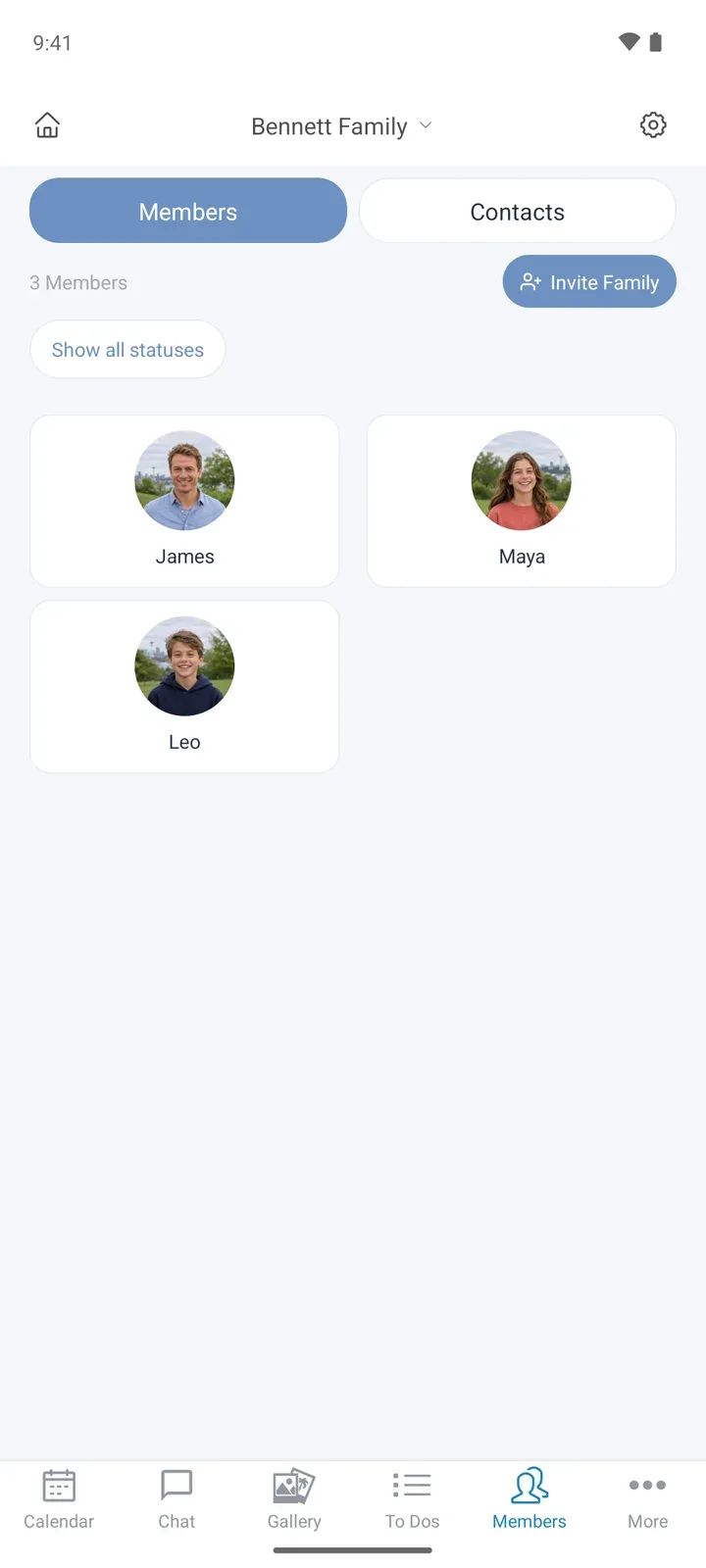
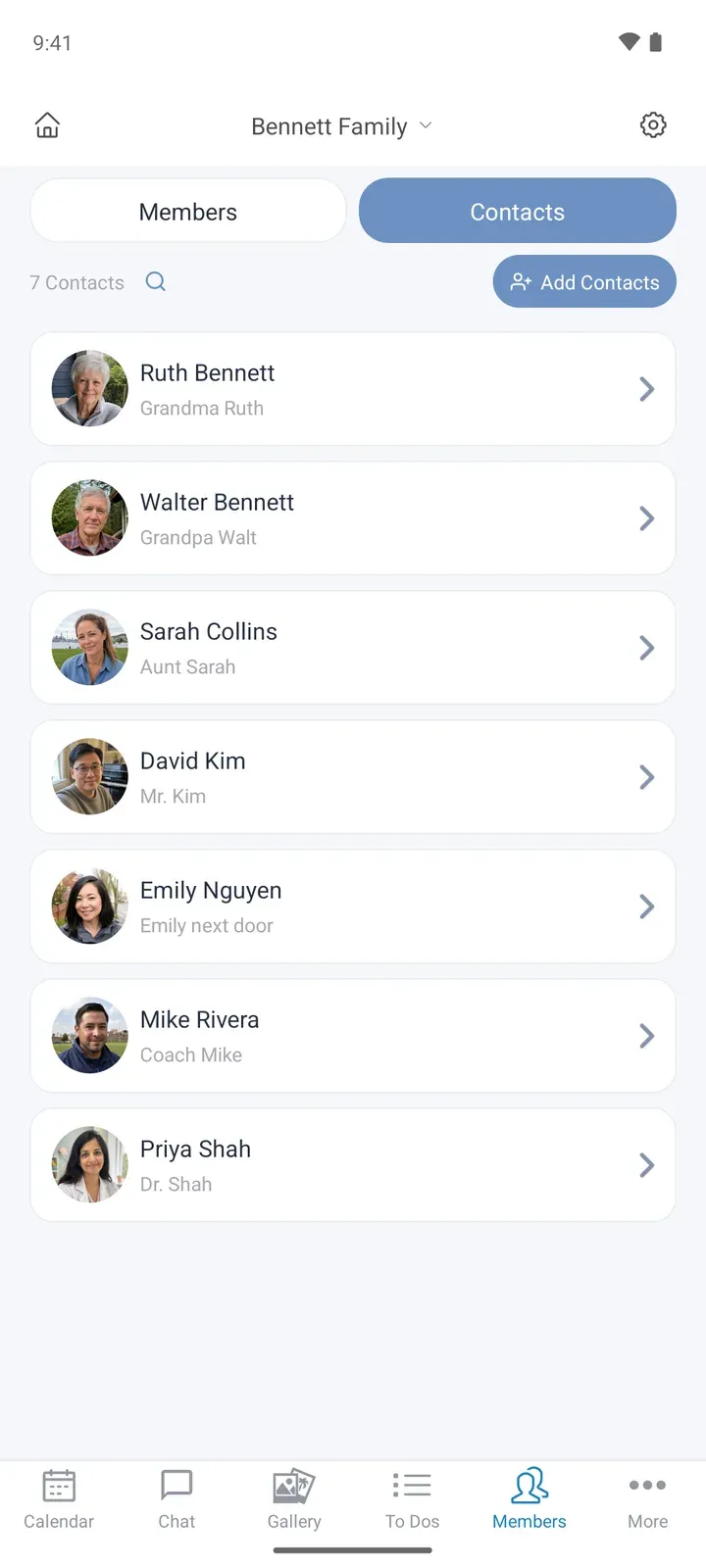
Open Members to see the people in your pod. Contacts keeps other people your group relies on in a separate tab.
Steps
- Open Members to see the people in your pod and their profile photos.
- Tap Contacts to browse saved contacts, their photos and names. Add Contacts opens the options for saving another contact.
Steps checked on Android; iPhone screens may look slightly different. Checked in Podz 2.20.56 on Nov 16, 2026.
Still stuck? Get help from Podz, or search all the guides.
